

Last updated October 30, 2026. Versions, tool counts, and access controls were checked against each project’s docs and GitHub repo, and six servers were run against the same test database on that date.
The best database MCP servers in 2026 are MCP Toolbox for Databases for teams with many database engines, Supabase and Neon for managed Postgres apps, and the built-in servers from Snowflake and Databricks for warehouse data. Postgres MCP Pro, MongoDB, ClickHouse, PlanetScale, and DBHub cover narrower jobs, from query tuning to the smallest possible context footprint.
A database MCP server lets an AI agent list tables, read schemas, and run SQL through the Model Context Protocol, so the server decides what the agent can see and change. This guide belongs to our MCP hub and the wider agent protocols coverage, and our MCP explainer covers the basics if you are new to the protocol.
We ran six servers against one sample shop database on October 30, 2026, counted the tool definitions each one loads, and tried a write as a read-only agent. No vendor paid for placement or reviewed this page, per our editorial standards and disclosure policy.
TL;DR
- MCP Toolbox for Databases is the best overall pick. One open source server covers Postgres, MySQL, SQL Server, Oracle, MongoDB, Snowflake, BigQuery, and more, with typed tools you define in YAML.
- Use the vendor server when you are on a managed platform. Supabase, Neon, PlanetScale, Snowflake, and Databricks all run hosted endpoints with OAuth, and none of them needs a local install.
- Tool lists cost real context. In our test, DBHub loaded about 395 tokens of tool definitions, while Neon with every category turned on loaded about 33,000.
- Read-only is a setting you must turn on. MCP Toolbox’s Postgres prebuilt and DBHub ran writes by default with an owner login, while Postgres MCP Pro’s restricted mode blocked them.
- Most of these servers are free. Seven of the ten are open source, and the platform servers bill through the database or warehouse you already pay for.
Best Database MCP Servers: Quick Picks
Pick the server built by your database vendor when one exists, and fall back to a multi-database server when your data spans several engines. The list below is ranked by database coverage, safety controls, and how well each server performed in our test.
- MCP Toolbox for Databases: best overall, with the widest engine coverage and custom typed tools.
- Supabase MCP Server: best for Supabase apps, with project scoping and a read-only URL flag.
- Neon MCP Server: best for branch-based schema changes on serverless Postgres.
- Postgres MCP Pro: best for Postgres query tuning and health checks.
- Snowflake-managed MCP server: best for governed questions over Snowflake data.
- Databricks managed MCP servers: best for lakehouse data under Unity Catalog.
- MongoDB MCP Server: best for MongoDB and Atlas document data.
- ClickHouse MCP Server: best for fast analytics queries, read-only by default.
- PlanetScale MCP Server: best for PlanetScale MySQL and Postgres with short-lived credentials.
- DBHub: best lightweight server, with two tools and the smallest context cost we measured.
Database MCP Servers Compared at a Glance
Five of the ten servers run on your own machine, and five run as hosted endpoints that you sign in to with OAuth. The table sums up each one from vendor docs, GitHub repos, and our own test on October 30, 2026.
| MCP server | Databases | Where it runs | Write guard | License |
|---|---|---|---|---|
| MCP Toolbox for Databases | 40+ sources, incl. Postgres, MySQL, Snowflake | Local binary or container | Database role, custom tools | Apache 2.0 |
| Supabase MCP Server | Supabase Postgres | Hosted, plus local CLI | read_only=true URL flag | Apache 2.0 |
| Neon MCP Server | Neon Postgres | Hosted | readonly=true parameter | MIT |
| Postgres MCP Pro | Any Postgres | Local, stdio or SSE | Restricted mode | MIT |
| Snowflake-managed MCP | Snowflake | Inside Snowflake | RBAC per tool | Proprietary |
| Databricks managed MCP | Unity Catalog data | Inside Databricks | Unity Catalog grants | Proprietary |
| MongoDB MCP Server | MongoDB, Atlas | Local, or Atlas remote | --readOnly flag | Apache 2.0 |
| ClickHouse MCP Server | ClickHouse, chDB | Local | Read-only by default | Apache 2.0 |
| PlanetScale MCP Server | PlanetScale MySQL, Postgres | Hosted | Org-level query access | Proprietary |
| DBHub | Postgres, MySQL, MariaDB, SQL Server, SQLite | Local | readonly in TOML | MIT |
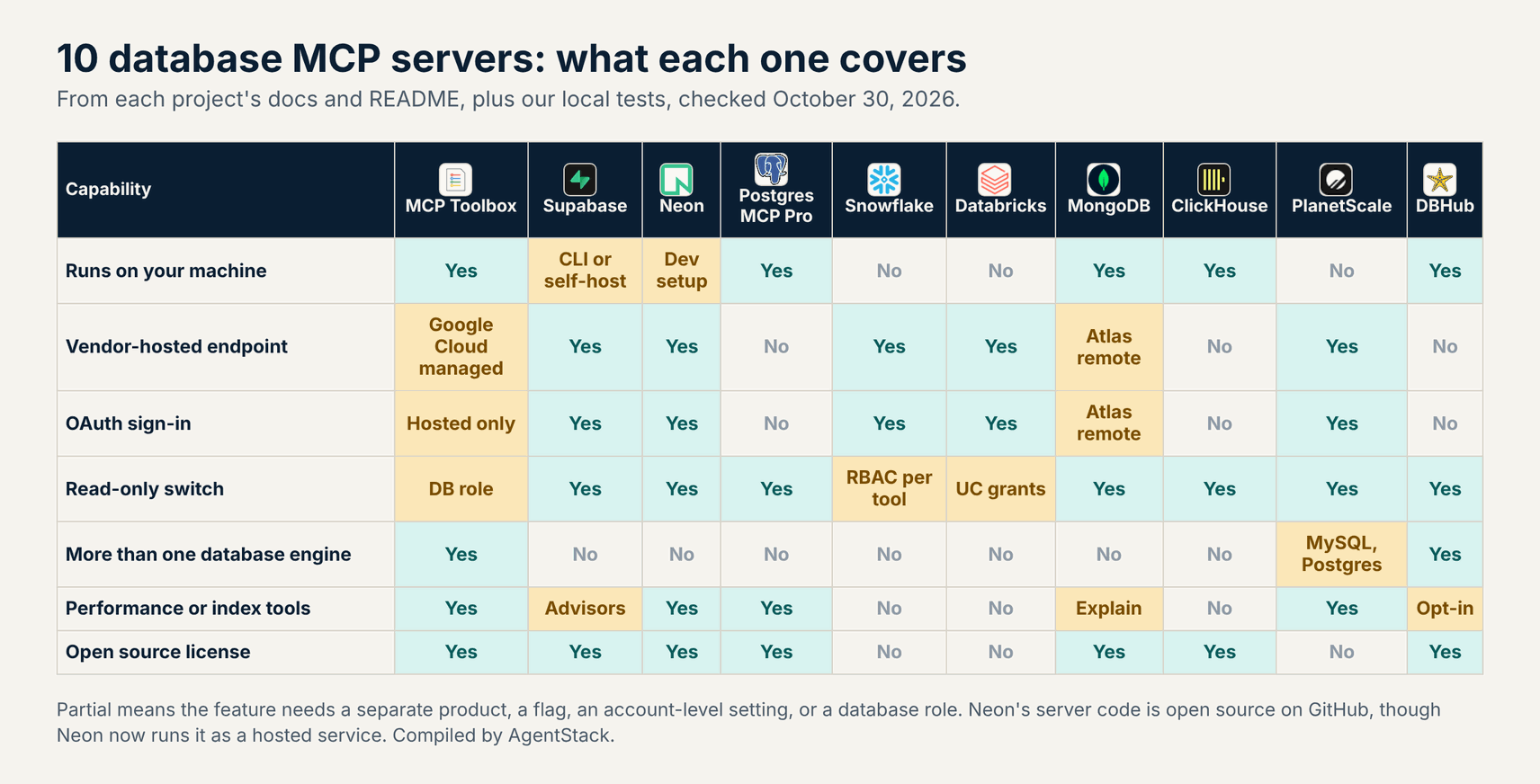
Verdict: platform servers win on setup and sign-in, while the open source servers win on reach and control. Many teams will run one of each.
How We Tested These Database MCP Servers
We loaded one sample shop database into PostgreSQL 18.4 and SQLite, then pointed six local servers at it with the same script. The data held 5,000 customers, 500 products, 50,000 orders, and 149,695 order lines, plus a SELECT-only role named agent_ro.
For each server, the script started it over stdio, called tools/list, and estimated the token cost of the tool definitions at four characters per token. It then ran the same revenue-by-region query and one write that changed nothing, first as the database owner and then with the read-only setting turned on.
# MCP Toolbox for Databases 1.15.0
toolbox --prebuilt=postgres --stdio          # 29 tools, ~5,369 tokens
toolbox --prebuilt=postgres/data --stdio     # 8 tools, ~1,602 tokens

# Postgres MCP Pro 0.3.0
uvx --python 3.12 --override pg_override.txt postgres-mcp==0.3.0 --access-mode=restricted
#  UPDATE ... -> Error validating query

# DBHub 1.5.0 (needs Node.js 22.5 or later)
npx @bytebase/dbhub --transport stdio --config dbhub.toml
#  [[tools]] readonly = true -> "Read-only mode is enabled"

# mcp-clickhouse 0.7.0 against the public ClickHouse playground
SELECT count() FROM uk.uk_price_paid # 31,610,742 rows in 0.41 s| Server | Tools at start | Est. tokens | Write as owner | Write in read-only mode |
|---|---|---|---|---|
| MCP Toolbox, Postgres prebuilt | 29 | 5,369 | Ran, no prompt | Blocked by the agent_ro role |
| Postgres MCP Pro 0.3.0 | 9 | 9,567 | Not tested | Blocked by restricted mode |
| DBHub 1.5.0 | 2 | 395 | Ran | Blocked; tool list drops to 1 |
| mcp-clickhouse 0.7.0 | 3 | 994 | Not tested | Refused by the demo user’s grants |
| MongoDB MCP Server 3.2.2 | 27 | 19,402 | Not tested | 18 tools with --readOnly |
| Supabase MCP Server 0.15.0 | 31 | 6,295 | Not tested | 13 tools, read-only and one project |
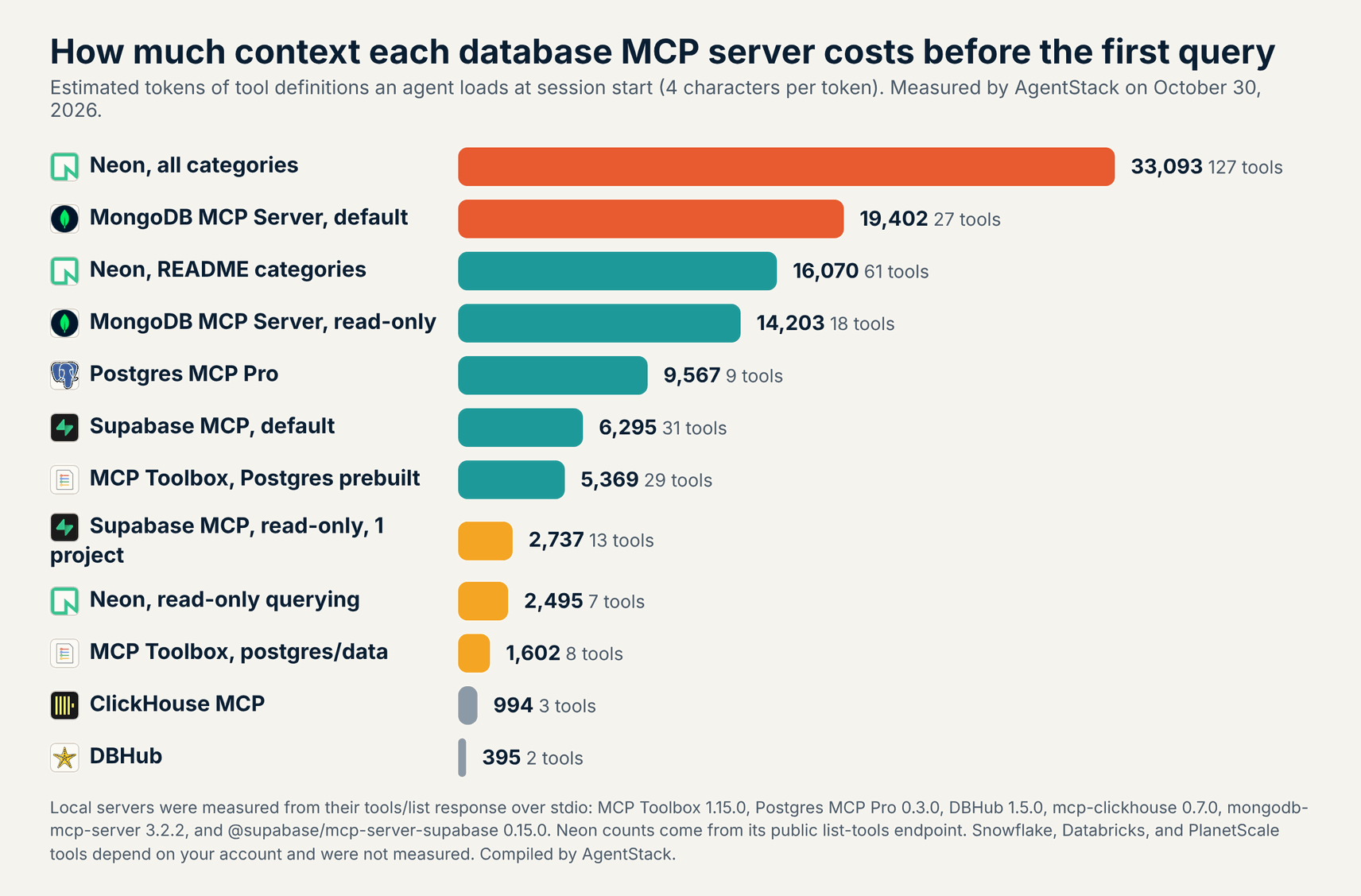
Every server that ran returned the same revenue figures, with Asia Pacific on top at 8,262,102.71, so the real differences were safety defaults and context cost. Neon, Snowflake, Databricks, and PlanetScale need accounts, so we counted Neon’s tools from its public list-tools endpoint and checked that the three hosted endpoints we probed ask for OAuth.
1. MCP Toolbox for Databases: Best Overall Database MCP Server
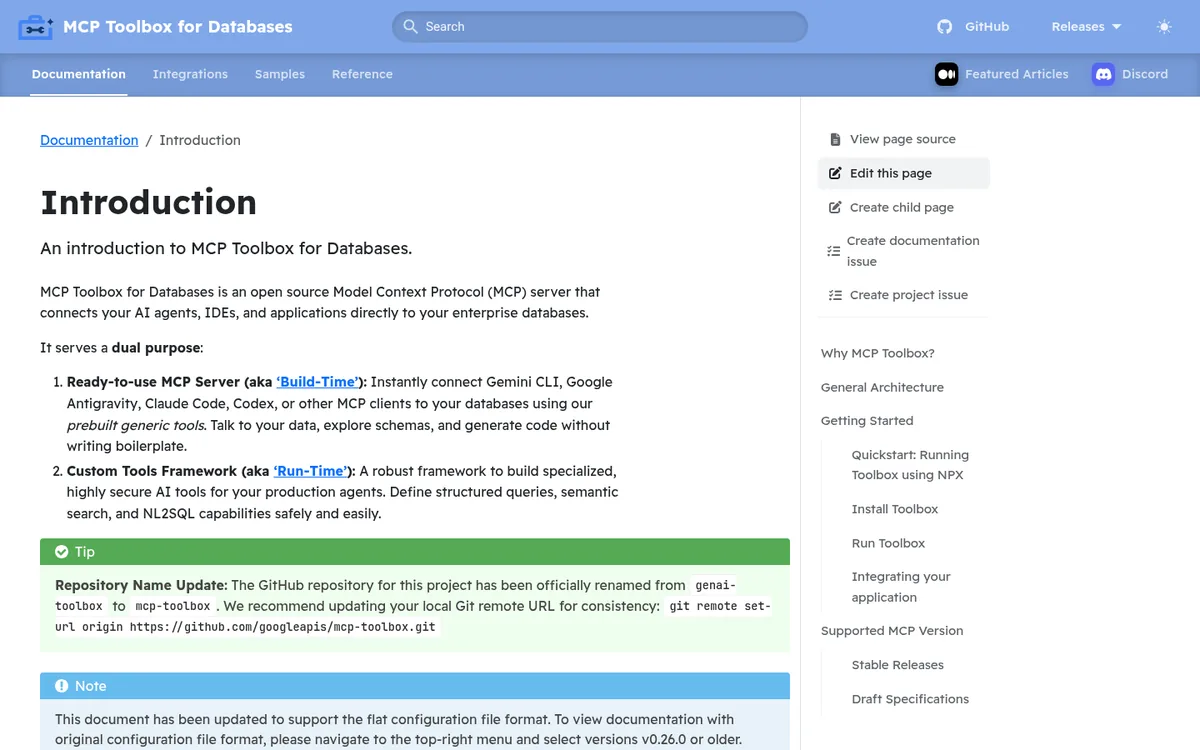
MCP Toolbox for Databases is the best overall pick because one open source server reaches more database engines than any other option we tested. Google’s MCP Toolbox repo has 16,761 GitHub stars, and version 1.15.0 shipped on October 23, 2026.
You can start with a prebuilt toolset such as --prebuilt=postgres, then move to a YAML file with typed, parameterized tools for production. The prebuilt config docs say these sets suit build-time work with trusted developers and are not secure enough for runtime agents. In our test, the Postgres set ran a DELETE as the owner with no prompt, and a SELECT-only role stopped it.
- Best for: platform teams with several database engines
- Databases: Postgres, MySQL, SQL Server, Oracle, MongoDB, Redis, ClickHouse, Snowflake, BigQuery, AlloyDB, Spanner, SQLite, and more
- Pricing (October 2026): free and open source; Google Cloud also offers managed MCP servers for its databases
- Watch out for: the Postgres prebuilt set loads 29 tools, so trim it with a smaller toolset or your own YAML
2. Supabase MCP Server: Best for Supabase Postgres Apps
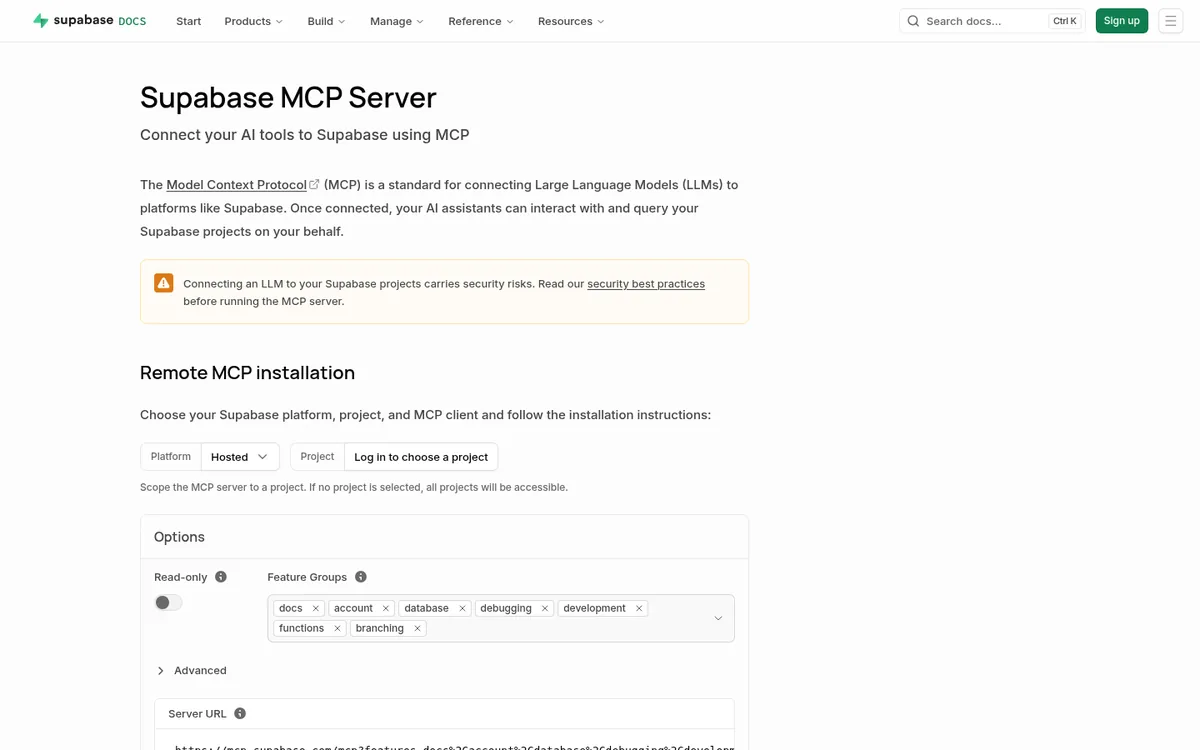
Supabase MCP Server is the best choice for apps already on Supabase, since a hosted endpoint with OAuth needs no install and URL flags limit what the agent sees. The server lives at mcp.supabase.com/mcp, and the Supabase MCP docs list project_ref, read_only, and features parameters.
The default package loaded 31 tools in our test, while a read-only setup scoped to one project dropped to 13 tools and about 2,737 tokens. Supabase advises scoping to one project, turning on read-only mode, and limiting feature groups before you connect production data. Branching tools for schema changes are marked experimental.
- Best for: teams building on Supabase
- Databases: Supabase Postgres, plus edge functions, storage, logs, and advisors
- Pricing (October 2026): the server is free; Supabase plans start with a free tier
- Watch out for: the local CLI and self-hosted setups expose only a subset of the hosted tools
3. Neon MCP Server: Best for Branch-Based Schema Changes
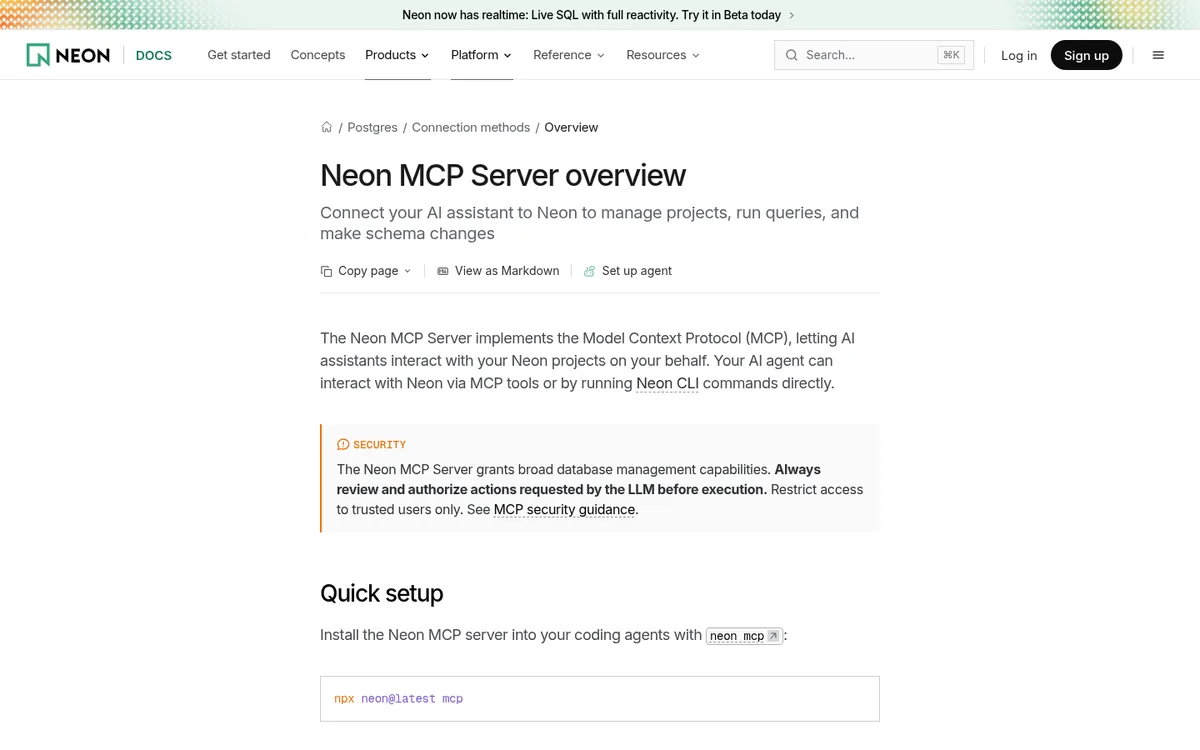
Neon MCP Server is the best fit for serverless Postgres teams that want agents to test schema changes on a branch before they touch the main database. Migration and query tuning tools work in pairs, so the agent prepares a change on a temporary branch and then completes it.
The hosted server signs in with OAuth or an API key, and readonly=true keeps SQL in a read-only transaction. Its public list-tools endpoint showed 127 tools with every category on, 61 with the README’s default categories, and 7 for read-only querying. The Neon MCP repo warns against using it in production.
- Best for: developers on Neon who change schemas often
- Databases: Neon serverless Postgres, plus projects, branches, roles, and Neon Auth
- Pricing (October 2026): the server is free; Neon has a free plan and usage-based paid plans
- Watch out for: the full tool list is large, so always pass the category or read-only parameters
4. Postgres MCP Pro: Best for Postgres Query Tuning
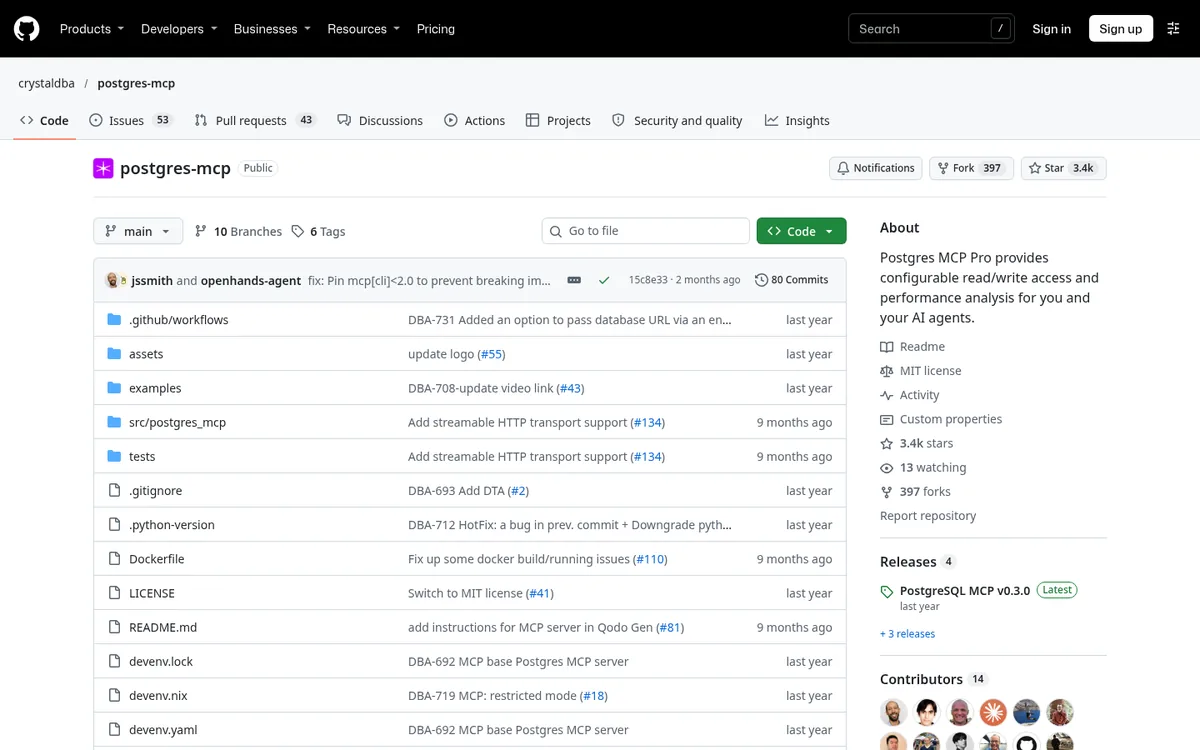
Postgres MCP Pro is the best server for tuning Postgres, because it ships explain, index advice, workload analysis, and health checks as tools. Its restricted mode blocked our UPDATE with a validation error, and explain_query showed a sequential scan on the orders table.
Index advice needs the hypopg extension, and get_top_queries needs pg_stat_statements. On our box, uvx could not resolve version 0.3.0’s pinned pglast release, so we pinned pglast 7.20 and an MCP SDK below 2.0; the Postgres MCP Pro repo documents Docker as another install route.
- Best for: database engineers who want an AI tuning assistant
- Databases: any PostgreSQL database, local or managed
- Pricing (October 2026): free and open source under MIT
- Watch out for: the last release is v0.3.0 from May 2025, and its tool list cost about 9,567 tokens
5. Snowflake-Managed MCP Server: Best for Governed Snowflake Data
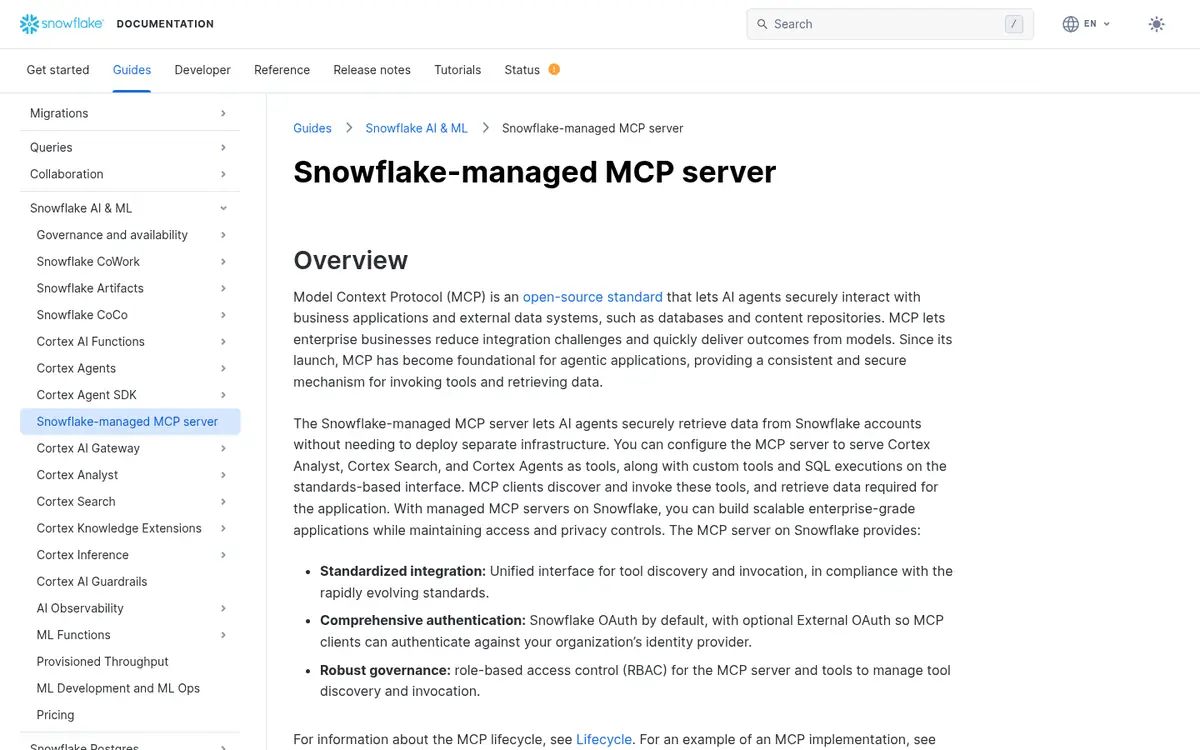
The Snowflake-managed MCP server suits teams that want agents to answer business questions over Snowflake data without running their own server. You create it with CREATE MCP SERVER, then expose Cortex Agents, Cortex Analyst, Cortex Search, SQL execution, or your own functions as tools.
The Snowflake MCP docs recommend OAuth, least-privileged roles for access tokens, and a grant for each tool. Snowflake suggests one Cortex Agent per server for governed questions and a separate server for raw SQL. Each server holds up to 50 tools, and responses stop at 250 KB.
- Best for: data teams whose source of truth is Snowflake
- Databases: Snowflake tables, semantic views, and Cortex services
- Pricing (October 2026): no separate MCP fee is listed; queries and Cortex tools bill through your Snowflake account
- Watch out for: the server does not support MCP resources, prompts, or sampling
6. Databricks Managed MCP Servers: Best for Lakehouse Data
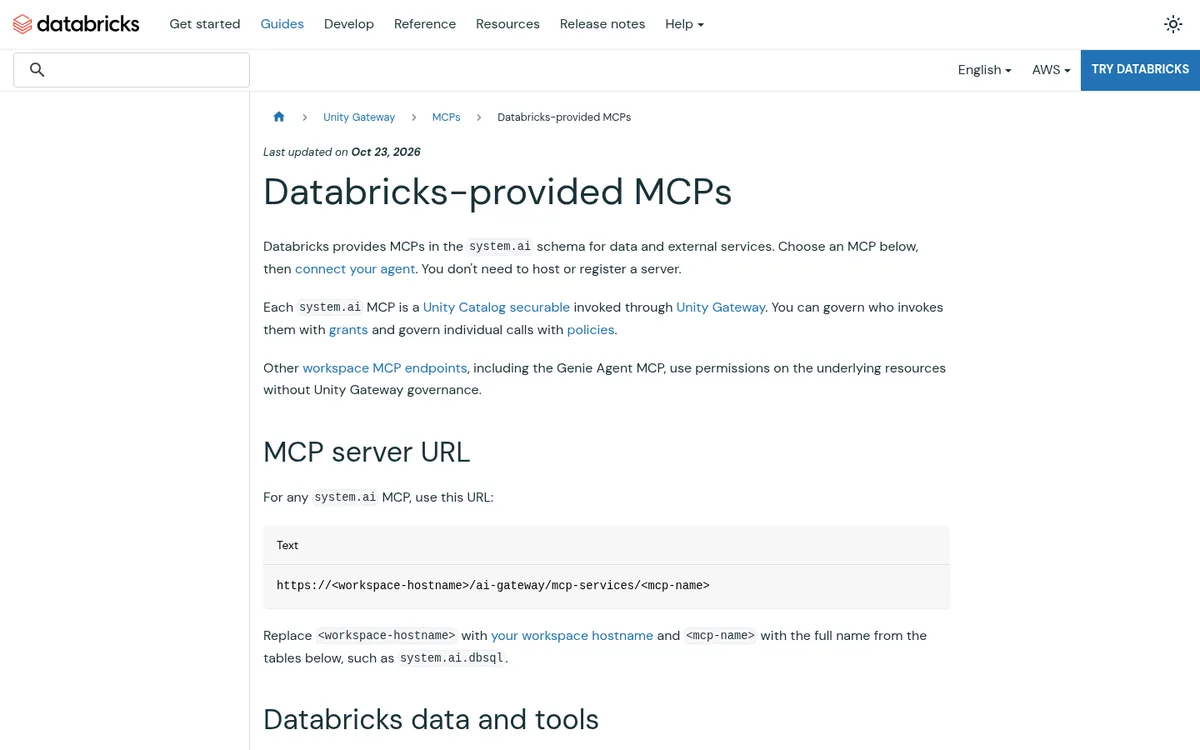
Databricks managed MCP servers are the best choice for lakehouse teams, because Genie spaces, SQL, and functions reach agents under the same Unity Catalog permissions. Each server sits at a workspace URL under /ai-gateway/mcp-services/, and the Genie server is generally available.
The Databricks MCP docs list SQL, sandbox, and web search servers that need the Unity Gateway beta. Databricks also runs managed servers for outside services such as GitHub and Slack. Unity Catalog functions bill at serverless general compute rates, and Databricks SQL bills at its own rates.
- Best for: companies that run analytics on Databricks
- Databases: Unity Catalog tables, Genie spaces, functions, and vector search
- Pricing (October 2026): no MCP fee listed; serverless compute and Databricks SQL rates apply
- Watch out for: several servers are in beta or public preview, so check status before rollout
7. MongoDB MCP Server: Best for MongoDB and Atlas
MongoDB MCP Server is the best pick for document data, since it covers queries, aggregations, indexes, and Atlas cluster admin in one official server. The MongoDB MCP docs describe a local server plus an Atlas remote server that signs in with OAuth.
Version 3.2.2 loaded 27 tools and about 19,402 tokens in our test, the second-largest list we measured. The --readOnly flag cut that to 18 tools, and disabledTools removes more. The MongoDB MCP repo notes that telemetry is on by default.
- Best for: teams on MongoDB Atlas or self-managed MongoDB
- Databases: MongoDB and Atlas, including cluster and user admin through Atlas API keys
- Pricing (October 2026): free and open source under Apache 2.0; Atlas has a free tier
- Watch out for: turn off telemetry and unused tools before you share the config
8. ClickHouse MCP Server: Best for Fast Analytics Queries
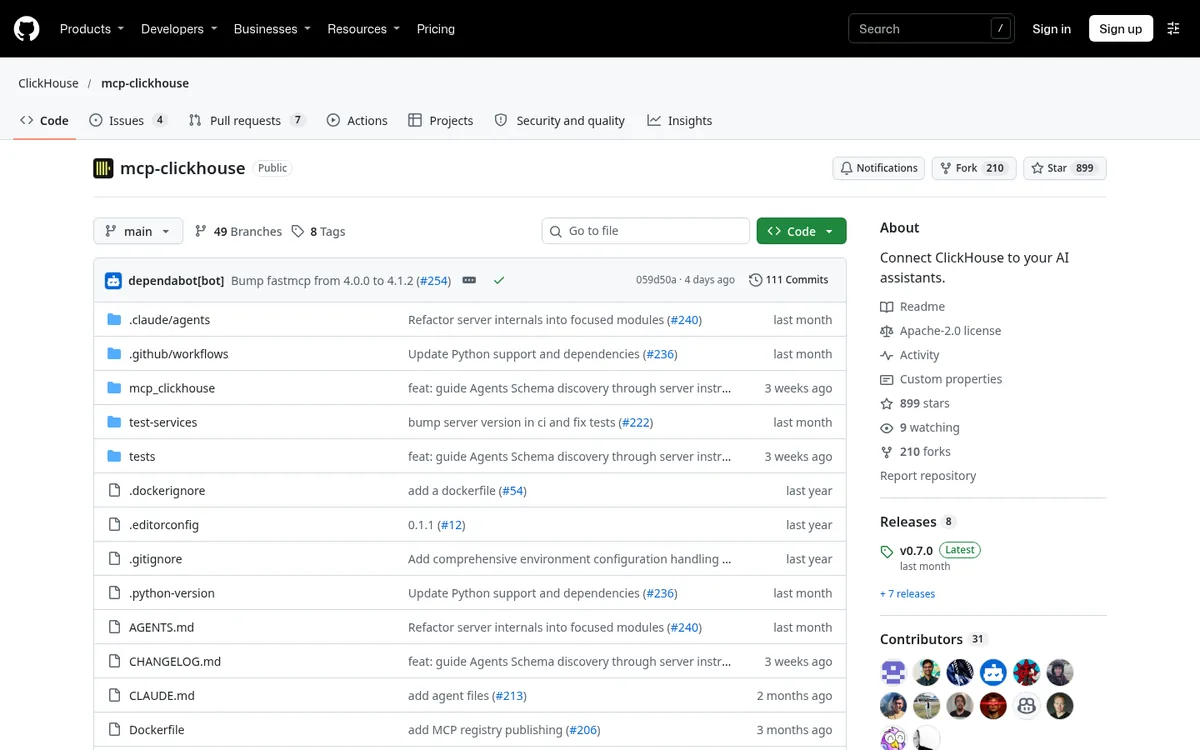
The ClickHouse MCP Server is the best option for analytics, because it is read-only by default and answers large scans in under a second. On the public playground, it counted 31,610,742 rows in the UK price paid table in 0.41 seconds.
The mcp-clickhouse repo keeps writes off unless you set CLICKHOUSE_ALLOW_WRITE_ACCESS=true, and it can run queries on chDB, the in-process engine. Our CREATE TABLE attempt was refused by the playground user’s grants, so it did not test the server’s own guard. The 0.7.0 release from September 21, 2026 exposes three tools.
- Best for: analysts and engineers who query ClickHouse
- Databases: ClickHouse, ClickHouse Cloud, and chDB
- Pricing (October 2026): free and open source under Apache 2.0
- Watch out for: it talks to ClickHouse over HTTP on port 8123 or 8443 by default, and the public playground answered only on port 443
9. PlanetScale MCP Server: Best for Short-Lived Query Credentials
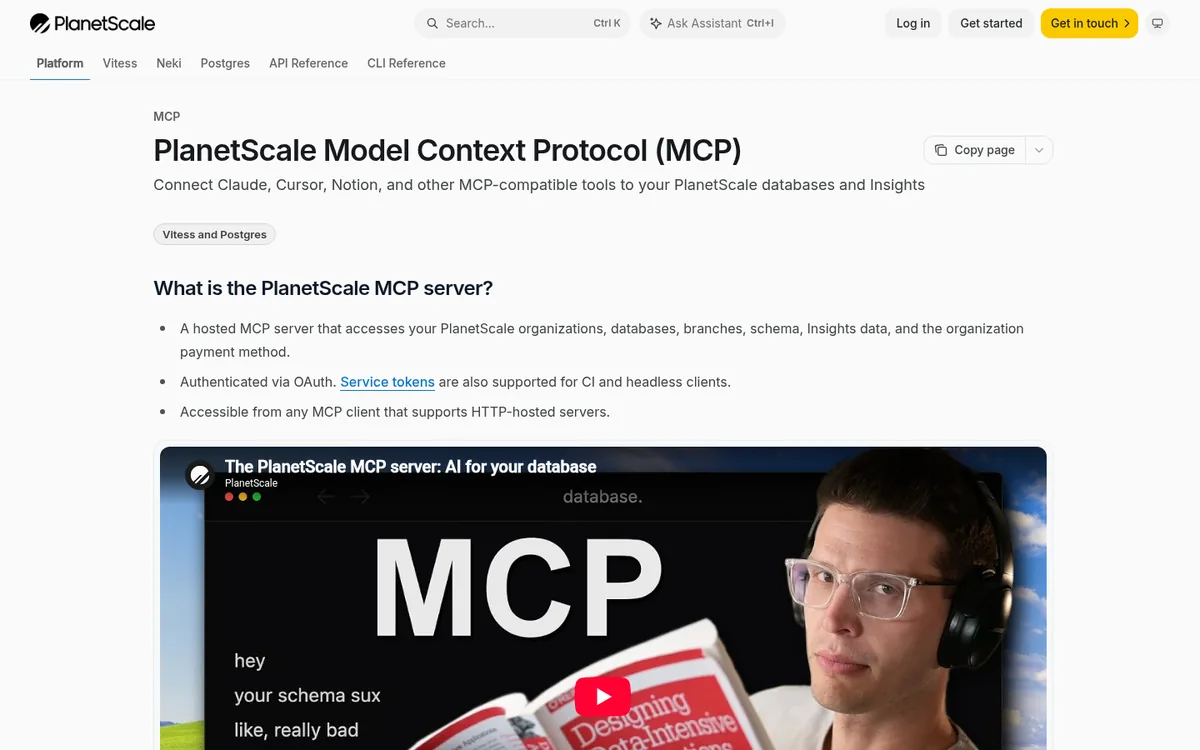
PlanetScale MCP Server is the best choice for teams that worry about leaked database passwords, since each query uses credentials created on demand and deleted right after. The hosted server uses OAuth for clients and service tokens for CI and headless agents.
Admins can set MCP query access to none, read-only, or full for the whole organization. An insights-only endpoint removes the read and write query tools and keeps Insights data and schema advice, per the PlanetScale MCP docs.
- Best for: teams running PlanetScale MySQL or Postgres
- Databases: PlanetScale databases, branches, schema, and Insights
- Pricing (October 2026): no MCP fee listed; standard PlanetScale database plans apply
- Watch out for: the server can also see your organization’s payment method, so keep that access off
10. DBHub: Best Lightweight Database MCP Server
DBHub is the best lightweight server, since it exposes two tools and cost about 395 tokens of context in our test, the smallest footprint we measured. Bytebase builds it, and the DBHub repo lists Postgres, MySQL, MariaDB, SQL Server, and SQLite.
The --readonly flag is gone in version 1.5.0, so read-only mode now lives in a TOML file with readonly = true. With that file, our UPDATE was rejected and the tool list shrank to one tool. The DBHub docs add opt-in tools such as explain_sql and custom SQL tools.
- Best for: developers who want one small server for several SQL databases
- Databases: Postgres, MySQL, MariaDB, SQL Server, and SQLite
- Pricing (October 2026): free and open source under MIT
- Watch out for: writes run by default, and version 1.5.0 needs Node.js 22.5 or later
How to Choose a Database MCP Server
Start with where the data lives, then decide how much the agent may change, and only then compare tool lists and context cost. The guide below turns that into two questions, and the personas after it give each type of team a short starting plan.
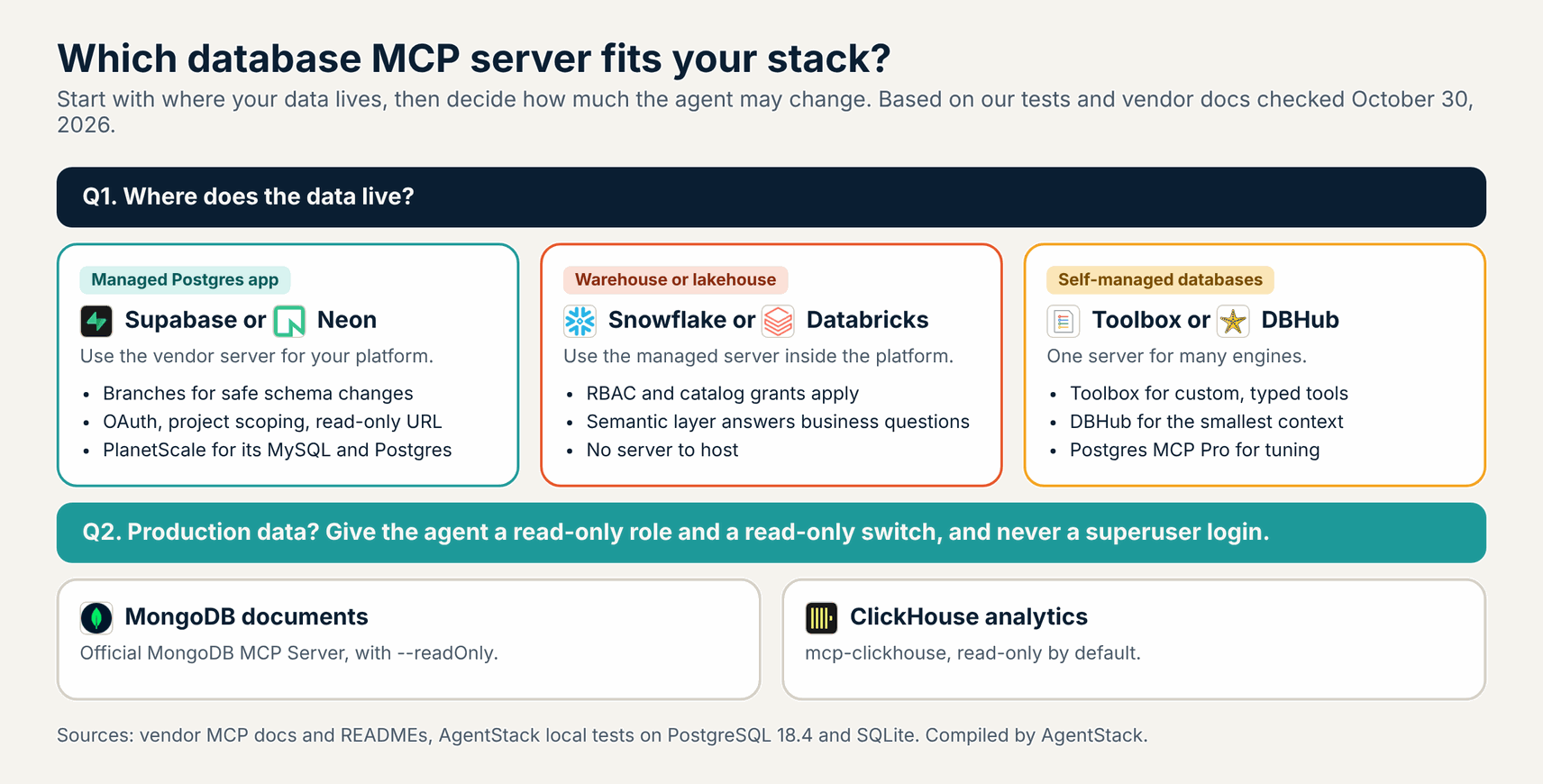
You build apps on a managed database
- Use the vendor’s hosted server for Supabase, Neon, or PlanetScale, and sign in with OAuth.
- Scope it to one project and turn on read-only mode for any production database.
- Pair it with the general tools in our best MCP servers list.
You run a data platform
- Start with the managed servers in Snowflake or Databricks so grants stay in one place.
- Expose a governed agent first, and put raw SQL on a separate server with a narrow role.
- Route outside clients through an MCP gateway; our MCP gateway pricing guide covers costs.
You manage databases yourself
- Use MCP Toolbox for many engines or DBHub for a small footprint.
- Add Postgres MCP Pro on a replica when you want tuning advice.
- Host remote setups on a platform from our MCP hosting platforms guide.
Security Checks Before You Connect a Database MCP Server
A database MCP server runs SQL with whatever login you give it, so the database role is the guard that matters most. Prompt injection in table data can steer an agent, and our MCP tool security bugs report shows how often servers ship flaws.
- Use a read-only role: create a SELECT-only user for the agent, and give each server its own login with the non-human identity tools we reviewed.
- Turn on the server’s read-only mode too: it removes write tools from the list and saves context.
- Point agents at a replica or branch: keep production writes behind a human review step and AI guardrails.
- Scan before you approve: check new servers with the MCP security tools in our roundup, and patch clients after advisories like the FastMCP client flaws.
Frequently Asked Questions
What is a database MCP server?
A database MCP server connects an AI agent to a database through the Model Context Protocol. It exposes tools such as list tables, describe schema, and run SQL, and it uses the login you configure. Agents in Claude, Cursor, VS Code, and other MCP clients can then query data in plain language.
Which database MCP server is best for Postgres?
For a single Postgres database, DBHub is the lightest option and Postgres MCP Pro adds tuning tools such as explain and index advice. MCP Toolbox for Databases suits teams with several engines. If your Postgres runs on Supabase, Neon, or PlanetScale, the vendor’s hosted server adds OAuth and project scoping.
Is it safe to connect an AI agent to a production database?
It can be, if you limit what the agent can do. Use a read-only database role, turn on the server’s read-only mode, and scope access to one project or schema. Point agents at a replica or branch when possible, and keep any write behind a human review step.
Do database MCP servers cost money?
Most do not. MCP Toolbox, Postgres MCP Pro, DBHub, the ClickHouse server, and the MongoDB server are free and open source. Supabase, Neon, and PlanetScale list no MCP fee. Snowflake and Databricks bill MCP queries through the warehouse or serverless compute you already use.
How many tools should a database MCP server expose?
As few as the task needs, because every tool definition takes context before the first question. In our test, setups ranged from 2 tools and about 395 tokens with DBHub to 127 tools and about 33,000 tokens with Neon’s full list. Read-only modes and category filters cut that sharply.
Related Guides
Keep going with the MCP hub, our MCP explainer, the best MCP servers list, the CRM MCP servers roundup, and the MCP registries guide. Each one covers a layer next to your database server, from other tools to the catalogs that list them.
More context sits in MCP gateways, Cloudflare vs Vercel vs AgentCore, Zapier MCP alternatives, agent integration platforms, and our AI agent testing tools guide.
The Bottom Line
Choose MCP Toolbox for Databases when your data spans several engines, your platform vendor server when you run on Supabase, Neon, PlanetScale, Snowflake, or Databricks, and DBHub when context cost matters most. Whatever you pick, give the agent a read-only role first.
Database MCP servers change every few weeks, so recheck the linked docs before rollout and run your own queries against a copy of your data. Send corrections or your own test results through our contact page. If you are writing a database MCP server rather than adopting one, our MCP server frameworks guide compares FastMCP, official SDKs and other kits. To verify what a database MCP server actually returns, see our guide to MCP testing and debugging tools.