

Last updated: October 22, 2026
The best MCP servers for Claude Code in 2026 are GitHub for pull requests, Context7 for current library docs, Playwright and Chrome DevTools for browser work, and Sentry for production errors. Linear, Atlassian, and Notion bring tickets and specs into the terminal, while Figma, Supabase, Vercel, and Stripe cover design, database, deploys, and payments.
Claude Code is Anthropic’s terminal coding agent, and the Model Context Protocol (MCP) is the open standard it uses to call outside tools. Install three to five servers per project, matched to the workflow you actually run, because each one adds tool definitions, sign-in steps, and another source of untrusted text. We tested every server on October 22, 2026 with Claude Code 2.1.308.
For protocol basics, start with our MCP explainer, the MCP hub, and the agent protocols hub. If you are choosing servers for a whole company instead of one developer’s terminal, our enterprise MCP servers guide covers that broader list.
TL;DR
- Starter set: GitHub, Context7, and Playwright cover most coding sessions; add Sentry once you ship to production.
- Context cost: GitHub’s full toolset sent 104,227 characters of tool definitions in our test, against 4,950 for Context7.
- Snapshots run large: one Playwright snapshot of a long docs page returned 360,865 characters, far past the 50,000 character point where Claude Code saves results to a file.
- Sign-in: nine of the 10 remote servers we probed support automatic client registration; GitHub’s remote server needs a personal access token.
- Deadline: Stripe MCP stops accepting full-access secret keys and untagged restricted keys after November 30, 2026.
MCP Servers for Claude Code at a Glance
The table groups all 12 servers by the job they do inside a Claude Code session, with how each one connects and what it costs. Remote servers run on the vendor’s side and connect over HTTP, while local servers run on your machine as a child process that Claude Code starts for each session.
| Server | Workflow | How it connects | Sign-in | Price (October 2026) |
|---|---|---|---|---|
| GitHub MCP Server | Pull requests, issues, CI | Remote HTTP or local binary | Personal access token | Free, MIT license |
| Context7 | Current library docs | Remote HTTP or local npx | None, or API key | Free 1,000 calls a month; Pro $10 per seat |
| Playwright MCP | Browser testing | Local npx | None | Free, Apache 2.0 |
| Chrome DevTools MCP | Debugging and performance | Local npx or plugin | None | Free, Apache 2.0 |
| Sentry MCP | Production errors | Remote HTTP or plugin | OAuth | No separate MCP fee; Seer is an add-on |
| Linear MCP | Issues and sprints | Remote HTTP | OAuth or API key | No separate MCP fee listed |
| Atlassian Rovo MCP Server | Jira, Confluence, Bitbucket | Remote HTTP | OAuth or API token | Consumes Rovo credits |
| Notion MCP | Specs and docs | Remote HTTP | OAuth | No separate MCP fee listed |
| Figma MCP Server | Design to code | Remote HTTP or desktop app | OAuth | Paid Dev or Full seat for daily limits |
| Supabase MCP Server | Postgres and backend | Remote HTTP | OAuth or access token | No separate MCP fee listed |
| Vercel MCP | Deploys and logs | Remote HTTP | OAuth | Available on all Vercel plans |
| Stripe MCP | Payments | Remote HTTP | OAuth or agent API key | No separate MCP fee listed |
Verdict: Start with GitHub, Context7, and one browser server, then add one server for each outside system your team already uses for tickets, design, data, or deploys. Skip servers for tools nobody on the project touches, since an unused server still costs a sign-in and a slice of context.
How We Picked These Servers
We picked servers that a developer would connect to Claude Code during real coding work, then checked each one against the vendor’s docs and our own tests on October 22, 2026. Every pick is maintained by the vendor that owns the product, and every pick has a setup path that Claude Code’s docs or the vendor’s docs describe.
- Workflow fit: the server does something in a coding session that a shell command alone does poorly.
- Vendor maintained: the vendor ships the server, so its tools follow product changes.
- Context footprint: we counted tool definitions with a local MCP client and measured the size of large results.
- Sign-in and scoping: we probed each remote endpoint for OAuth discovery and looked for read-only or project-scoped modes.
- Clean test setup: we used placeholder credentials and public pages only, per our editorial standards.
What Our October 22 Claude Code Test Found
Tool definitions ranged from 4,950 characters for Context7 to 104,227 for GitHub with every toolset turned on, a 21 times spread. We listed each server’s tools with a local MCP client, counted the characters of names, descriptions, and input schemas, and then connected the same servers to Claude Code 2.1.308 to check how they appear.
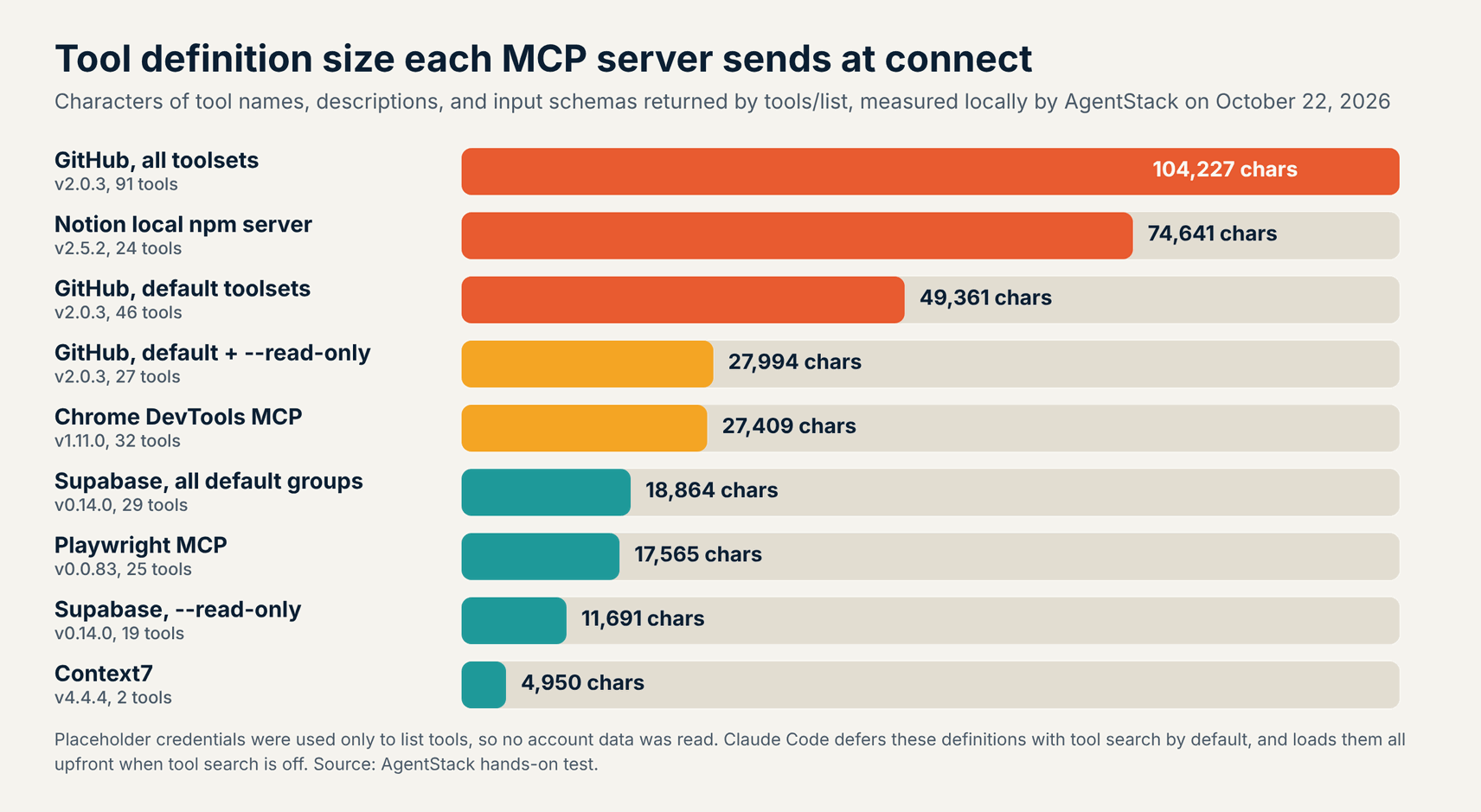
- GitHub: all toolsets listed 91 tools, the default set listed 46 tools in 49,361 characters, and
--read-onlycut the default set to 27 tools. - Notion’s local package: 24 tools took 74,641 characters, the most per tool of any server we listed.
- Supabase: read-only mode dropped the list from 29 tools to 19 and from 18,864 characters to 11,691.
- Context7: two tools, so it is cheap to leave connected in every project.
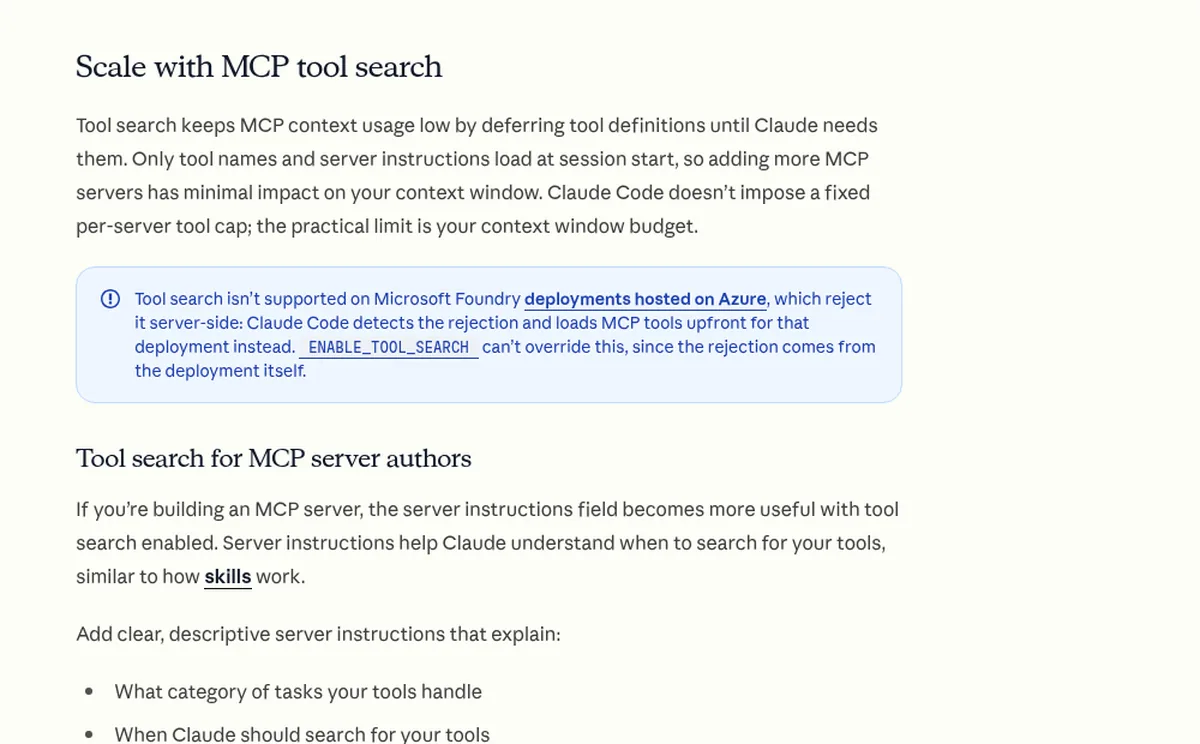
These numbers matter less than they used to. Claude Code’s tool search defers MCP tool definitions by default, so only tool names and server instructions load when a session starts. Full definitions still load up front when tool search is off, on older models, and on Microsoft Foundry deployments hosted on Azure, which reject tool search.
Large results are the bigger cost in daily use, and browser snapshots were the largest results we saw. Claude Code warns when a tool result passes 10,000 tokens, caps output at 25,000 tokens by default, and saves any text result over 50,000 characters to a file, per its MCP docs.
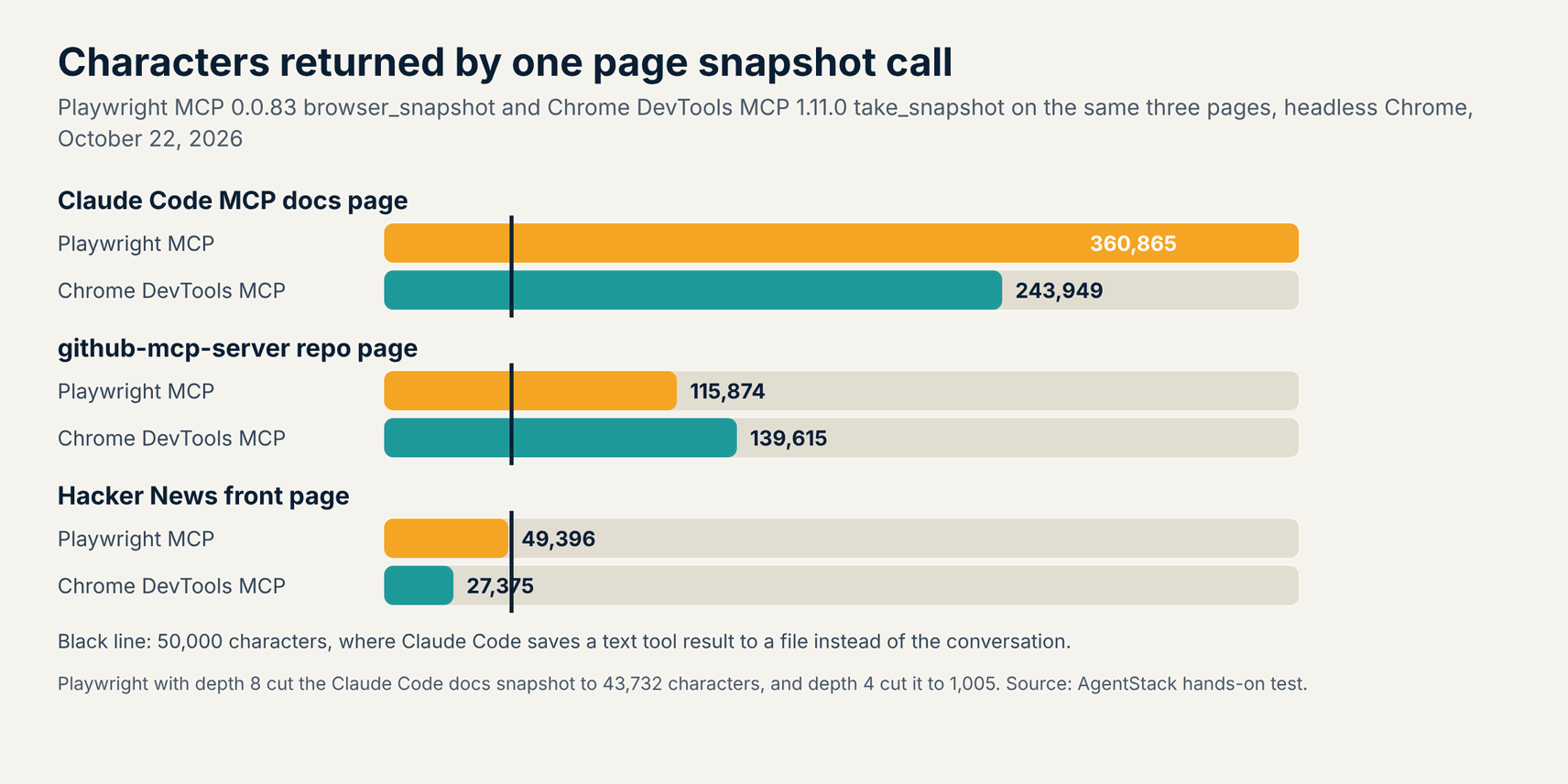
Playwright returned more text than Chrome DevTools on two of the three pages, and neither server kept a long page under the 50,000 character line. Playwright’s snapshot depth option helped most: depth 8 cut the Claude Code docs page from 360,865 characters to 43,732, and depth 4 cut it to 1,005. Its filename option writes the snapshot to disk and returns a 175 character pointer.
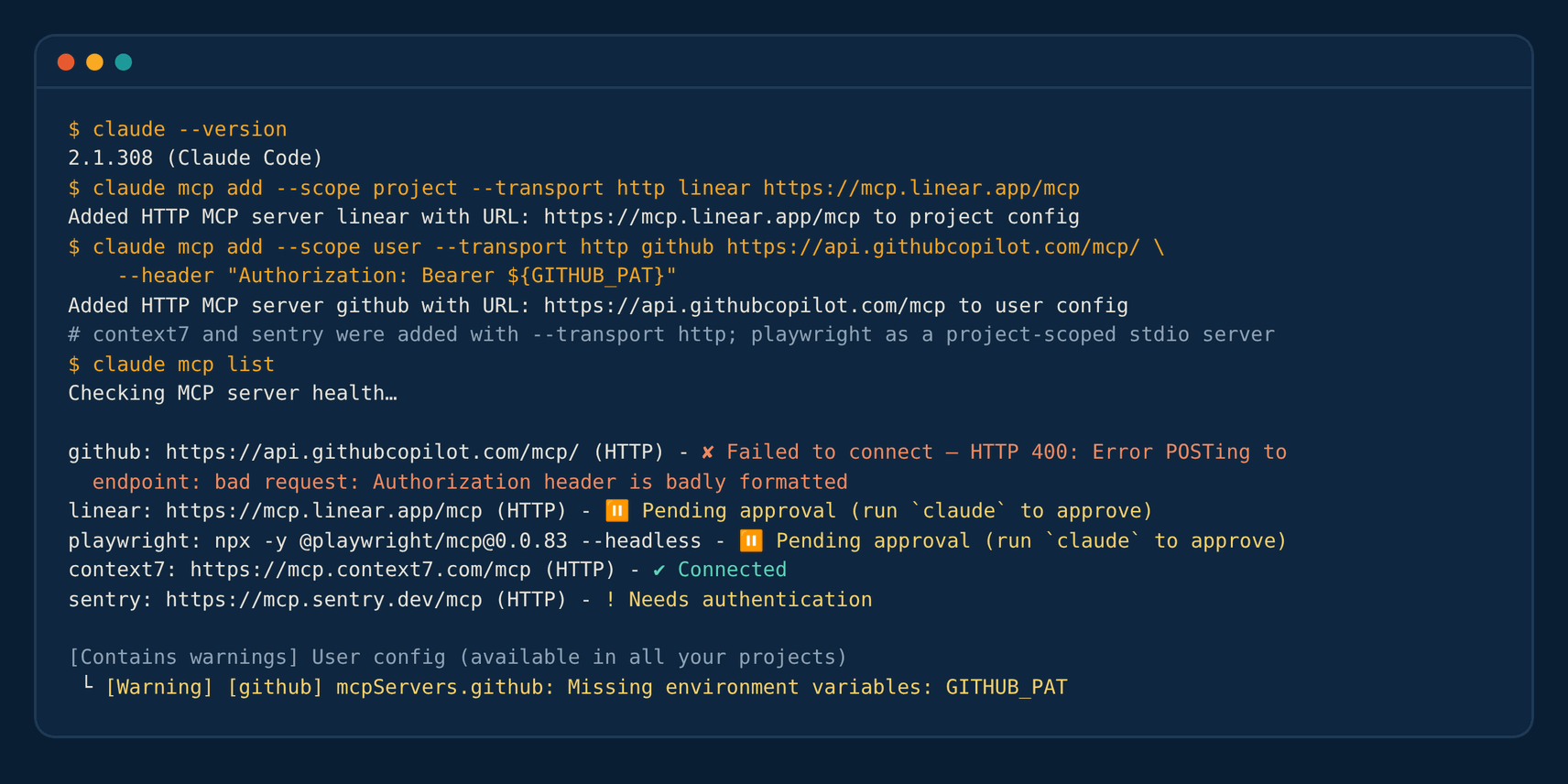
Run claude mcp list after every change, because a missing token fails quietly until you check. Our GitHub entry used an unset GITHUB_PAT variable, and Claude Code reported a badly formatted Authorization header. Linear and Playwright, added at project scope, showed as pending approval until someone ran claude in the folder and approved them.
1. GitHub MCP Server: Best for Pull Requests, Issues, and CI
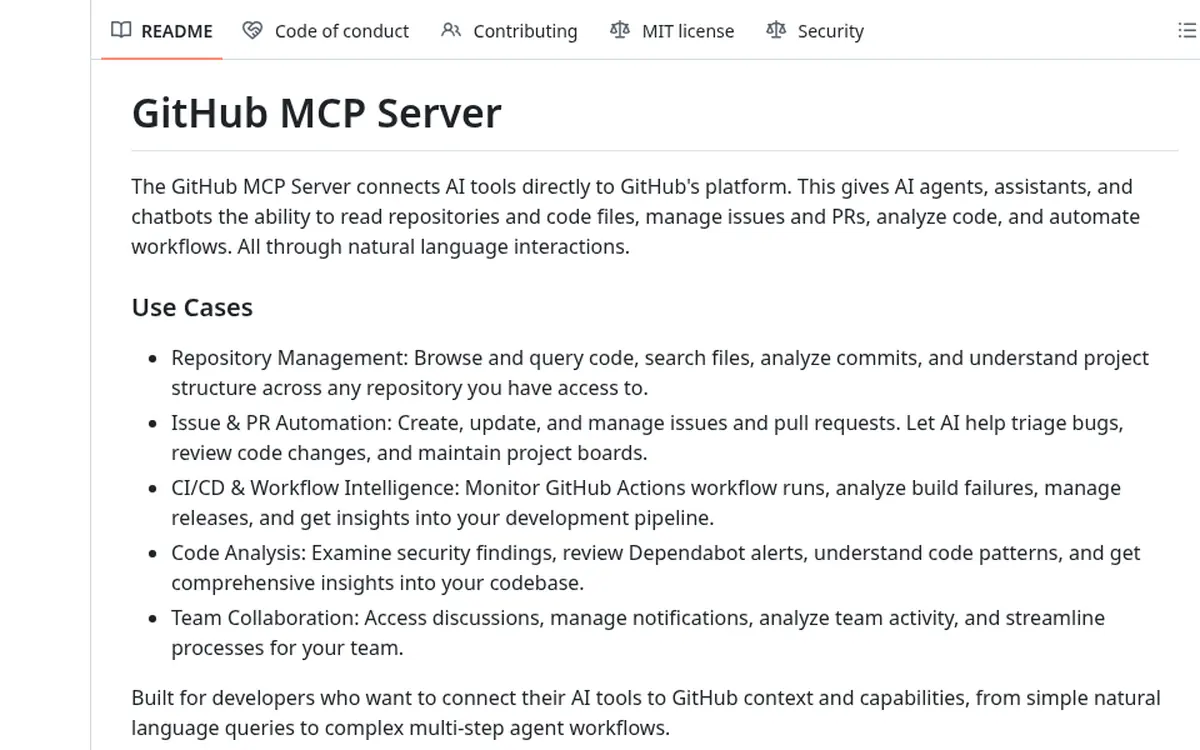
The GitHub MCP Server is the first server most Claude Code users should add, because it reads and writes issues, pull requests, Actions runs, and code scanning alerts. GitHub maintains it under the MIT license, and version 2.0.3 shipped on October 21, 2026, per its releases page.
The remote server at api.githubcopilot.com/mcp/ does not offer automatic client registration, so Claude Code connects with a personal access token in a header. You can narrow it with --toolsets, run --read-only, or turn on lockdown mode, which hides public repository content from authors without push access to reduce prompt injection risk, per the GitHub MCP Server README.
If you already use the gh CLI, Claude Code can run it directly for simple lookups. The server earns its place on multi-step work such as reading a failed Actions log, opening an issue, and drafting a fix branch in one session.
- Best for: Teams on GitHub that want Claude Code to triage issues, review pull requests, and read CI failures.
- Claude Code setup:
claude mcp add --transport http github https://api.githubcopilot.com/mcp/ --header "Authorization: Bearer ${GITHUB_PAT}" - Pricing (October 2026): Free. The server is open source; usage draws on your GitHub plan’s API limits.
- Watch out for: The default toolsets include write tools. Use a fine-grained token limited to the repositories the project needs.
2. Context7: Best for Current Library and Framework Docs
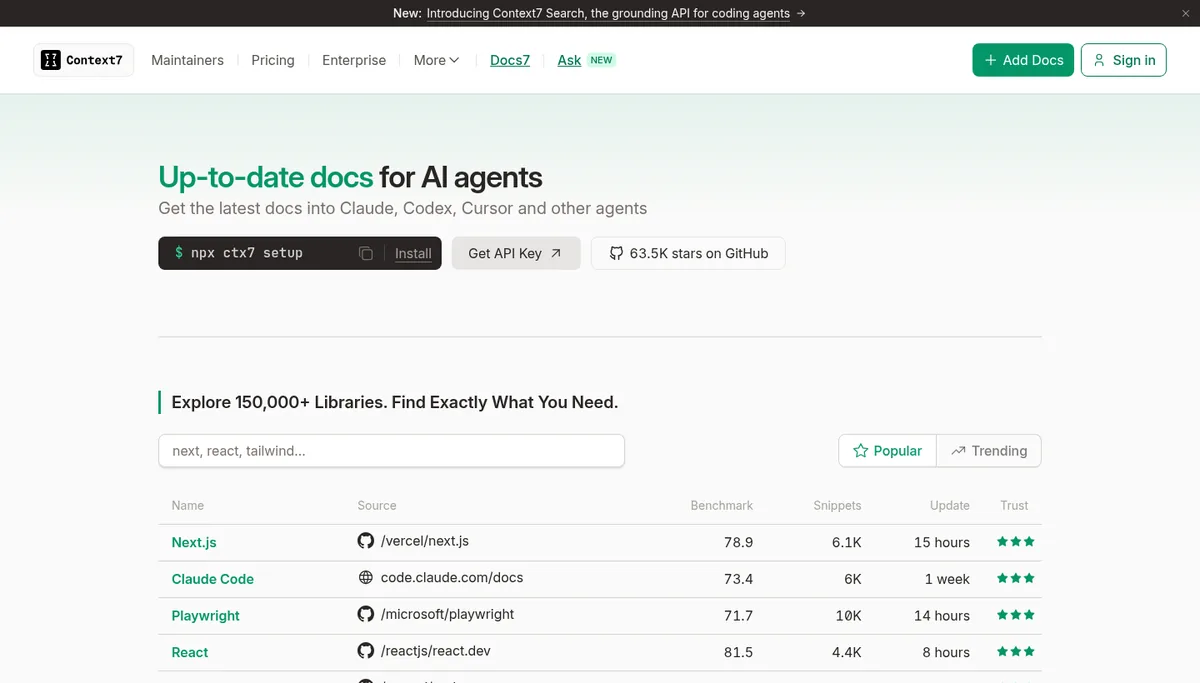
Context7 is the cheapest server to leave on, with two tools that fetch current docs for a library before Claude Code writes code against it. Upstash runs it, and its homepage lists more than 150,000 indexed libraries. The remote endpoint at mcp.context7.com/mcp answered our test without any key.
Each lookup takes two calls: one to resolve a library ID and one to query its docs. Resolving Next.js returned 2,042 characters, and a docs query returned 4,789. The ID for FastAPI had moved, so our first query returned an error that pointed to a new ID, which Claude Code has to follow on its own.
Pricing is per call, per the Context7 plans page. Free accounts get 1,000 API calls a month and are then limited to 20 bonus calls a day, while Pro costs $10 per seat a month with 2,000 calls per seat and $5 per 1,000 calls after that.
- Best for: Any project that uses fast-moving frameworks, where Claude Code’s training data may lag the current release.
- Claude Code setup:
claude mcp add --transport http context7 https://mcp.context7.com/mcp - Pricing (October 2026): Free for 1,000 calls a month; Pro $10 per seat a month.
- Watch out for: Libraries are indexed from public sources, so treat fetched docs as untrusted text and check the source before following unusual instructions.
3. Playwright MCP: Best for End-to-End Browser Testing
Playwright MCP lets Claude Code drive a real browser through accessibility snapshots, so it can click, fill forms, and check a page without screenshots. Microsoft maintains it under Apache 2.0, and we tested version 0.0.83 from npm, which listed 25 tools in 17,565 characters.
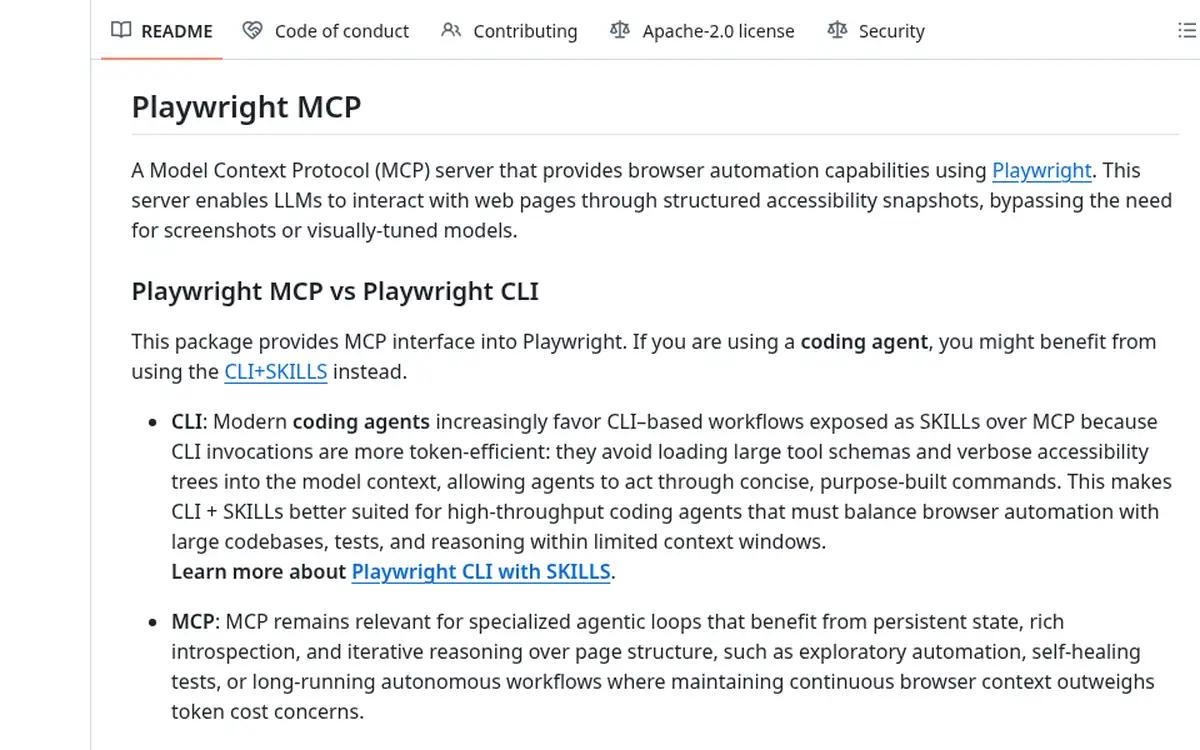
Its own README now recommends the Playwright CLI with skills for coding agents such as Claude Code, because CLI commands avoid loading large tool schemas and page trees into context. MCP stays the better fit for long, self-healing browser sessions where the agent needs to keep page state between steps.
Snapshot size is the main cost. Our default snapshots ran from 49,396 to 360,865 characters, so set a depth or write snapshots to a file on long pages.
- Best for: Front-end teams that want Claude Code to reproduce bugs and write or repair end-to-end tests.
- Claude Code setup:
claude mcp add playwright npx @playwright/mcp@latest - Pricing (October 2026): Free and open source.
- Watch out for: Unbounded snapshots on long pages. Use the depth or filename options, or switch to the Playwright CLI for scripted checks.
4. Chrome DevTools MCP: Best for Debugging and Performance in Chrome
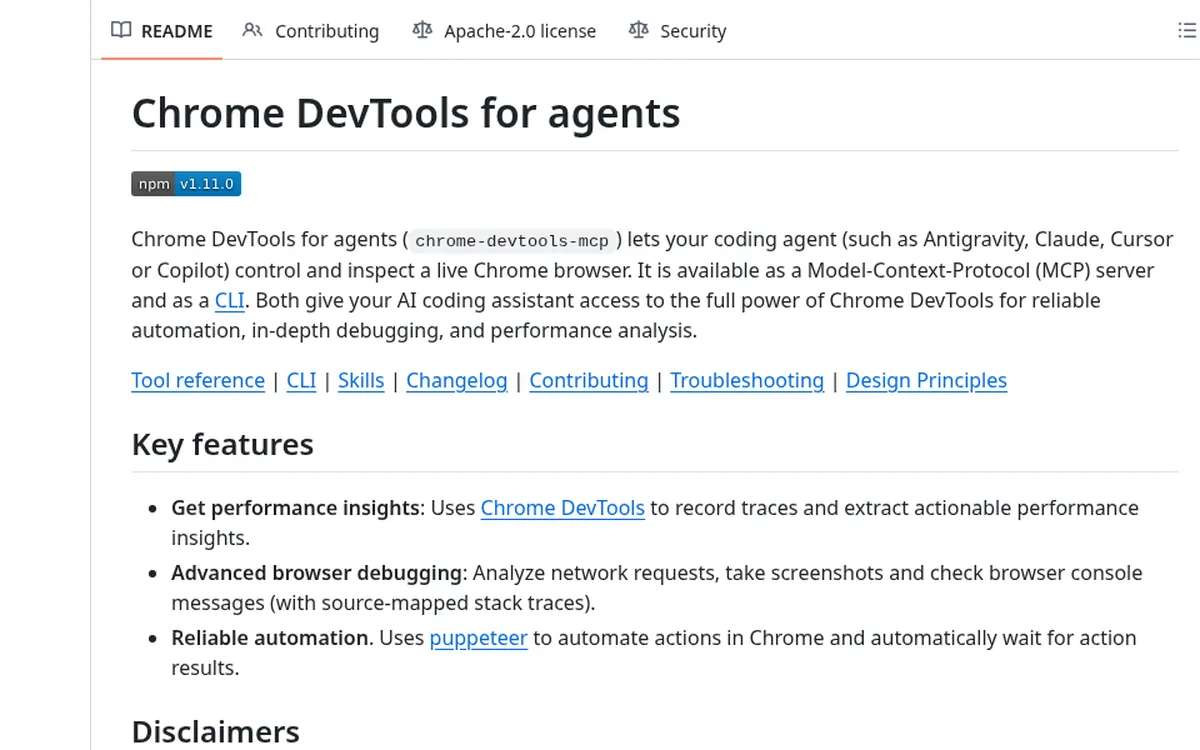
Chrome DevTools MCP gives Claude Code the debugging side of the browser: performance traces, network requests, console messages with source-mapped stack traces, and Lighthouse audits. The Chrome DevTools team maintains it under Apache 2.0, and version 1.11.0 listed 32 tools in 27,409 characters in our test.
Pick it over Playwright when the question is why a page is slow or broken, and pick Playwright when the question is whether a user flow works. The README also offers a Claude Code plugin that adds the server and its skills in two commands.
Usage statistics go to Google by default, and performance tools can send trace URLs to the Chrome UX Report API. Turn both off with --no-usage-statistics and --no-performance-crux when you test internal apps.
- Best for: Developers chasing slow pages, layout shifts, failed requests, and console errors.
- Claude Code setup:
/plugin marketplace add ChromeDevTools/chrome-devtools-mcp, then/plugin install chrome-devtools-mcp@chrome-devtools-plugins - Pricing (October 2026): Free and open source.
- Watch out for: Official support covers Google Chrome and Chrome for Testing only, and telemetry is on until you opt out.
5. Sentry MCP: Best for Fixing Production Errors
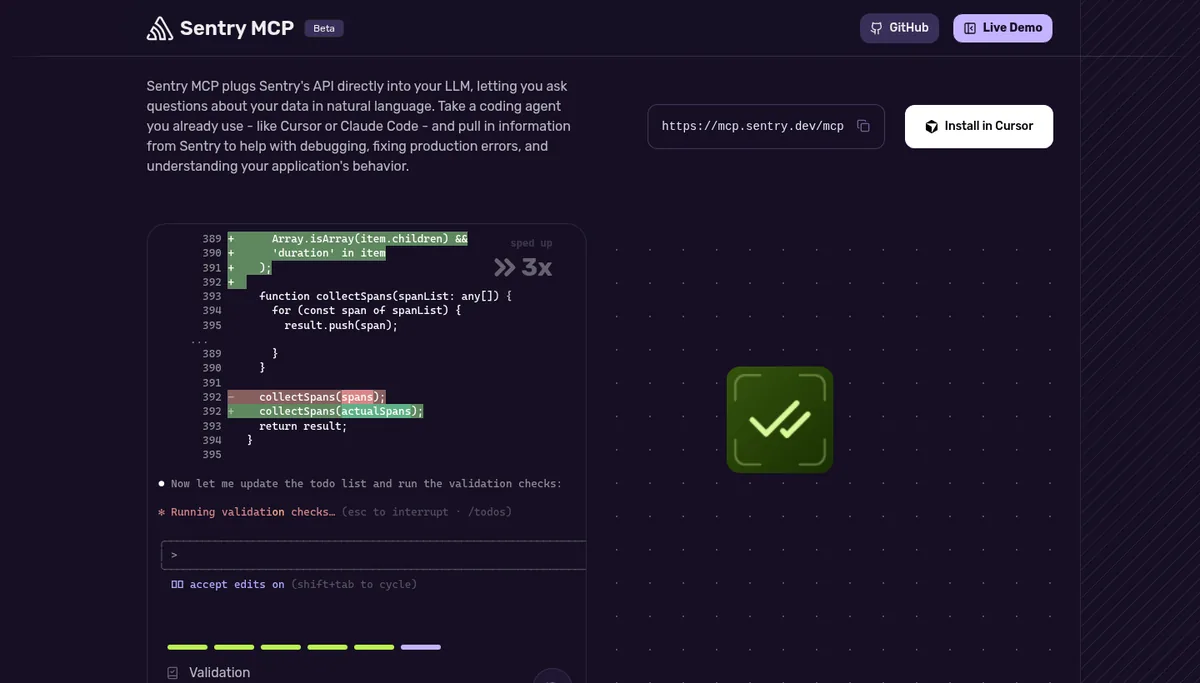
Sentry MCP brings production errors, traces, and events into Claude Code, so the agent can read the real stack trace before it proposes a fix. The remote server at mcp.sentry.dev uses OAuth, and adding an organization and project to the URL limits the session to that project.
Sentry also ships a Claude Code plugin with a Sentry subagent, per the sentry-mcp repository. Its local stdio package, version 0.42.0, needs Node.js 22.13 or later, and its AI search tools need a separate OpenAI or Anthropic key.
The analyze_issue_with_seer tool depends on Seer, Sentry’s AI debugging agent, which is a paid add-on billed per active contributor, per the Seer docs.
- Best for: Teams on Sentry that want Claude Code to start every bug fix from the production event.
- Claude Code setup:
claude plugin marketplace add getsentry/sentry-mcp, thenclaude plugin install sentry-mcp@sentry-mcp - Pricing (October 2026): No separate MCP fee; Seer analysis needs the Seer add-on.
- Watch out for: OAuth scopes advertised by the server include project, team, and alert write access, so scope the URL to one project.
6. Linear MCP: Best for Issue Tracking in Fast-Moving Teams
Linear MCP is the cleanest ticketing server for Claude Code, with OAuth sign-in, a separate read-only endpoint, and a short add command. Claude Code can read an issue, plan the change, and update status or comments without leaving the terminal.
Read-write access runs through mcp.linear.app/mcp, and mcp.linear.app/mcp/readonly only exposes read tools, per the Linear MCP docs. You can also request only the read OAuth scope, and teams that skip OAuth can pass a Linear API key as a bearer token.
- Best for: Product and engineering teams that run sprints in Linear and want issues updated as code ships.
- Claude Code setup:
claude mcp add --transport http linear-server https://mcp.linear.app/mcp - Pricing (October 2026): No separate MCP fee listed.
- Watch out for: The default endpoint can write. Use the read-only endpoint for agents that only need context.
7. Atlassian Rovo MCP Server: Best for Jira and Confluence Shops
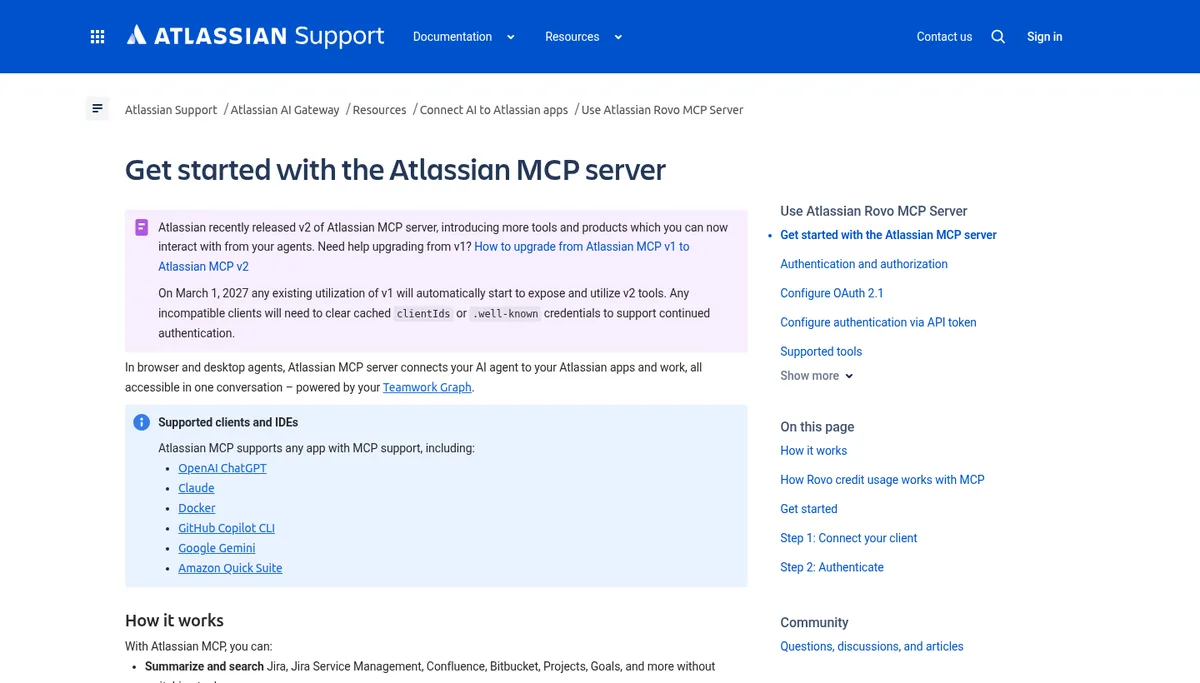
The Atlassian Rovo MCP Server connects Claude Code to Jira, Confluence, Jira Service Management, and Bitbucket from one remote endpoint. Use the v2 URL, mcp.atlassian.com/v2/mcp; Atlassian says v1 connections move to v2 automatically on March 1, 2027, per its getting started guide.
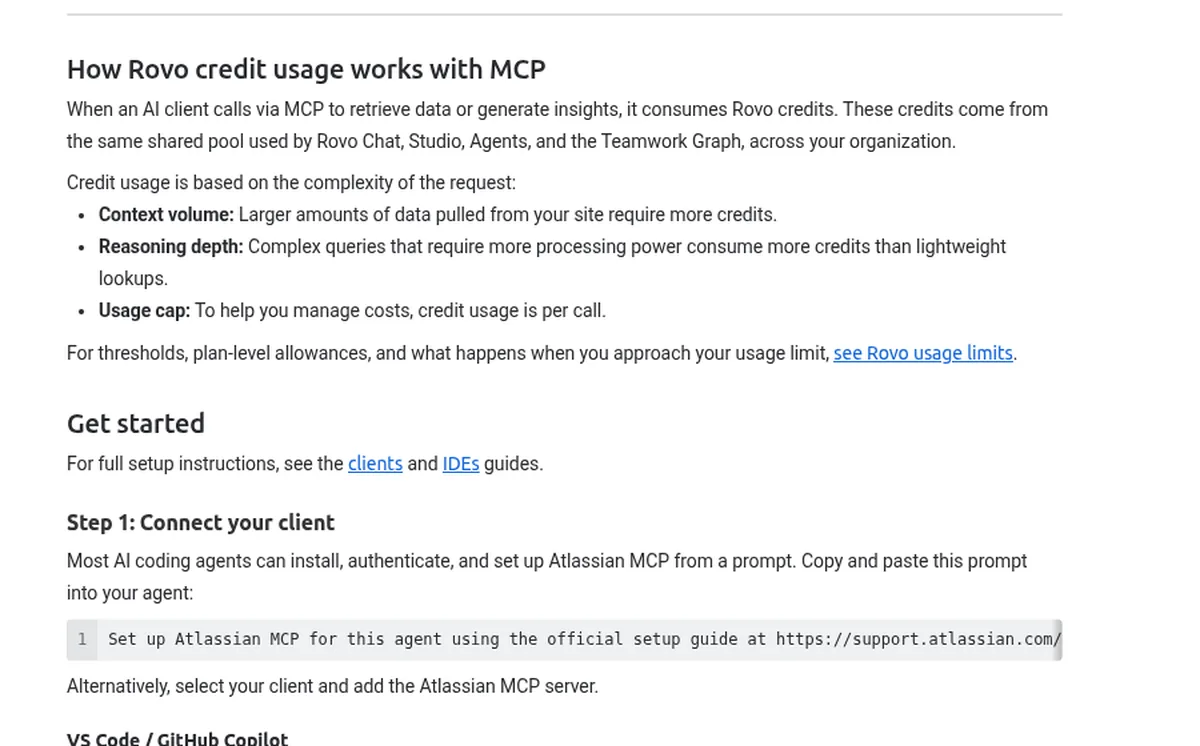
The v2 endpoint advertised 40 OAuth scopes in our probe, and the server also accepts an API token. Every MCP call consumes Rovo credits from your organization’s shared pool, and larger or more complex requests use more.
- Best for: Enterprises that keep requirements in Jira and design docs in Confluence.
- Claude Code setup:
claude mcp add --transport http atlassian https://mcp.atlassian.com/v2/mcp - Pricing (October 2026): Calls consume Rovo credits from your plan’s shared pool.
- Watch out for: Credit burn from broad Confluence searches. Ask Claude Code for specific issue keys or page titles.
8. Notion MCP: Best for Specs, Docs, and Meeting Notes
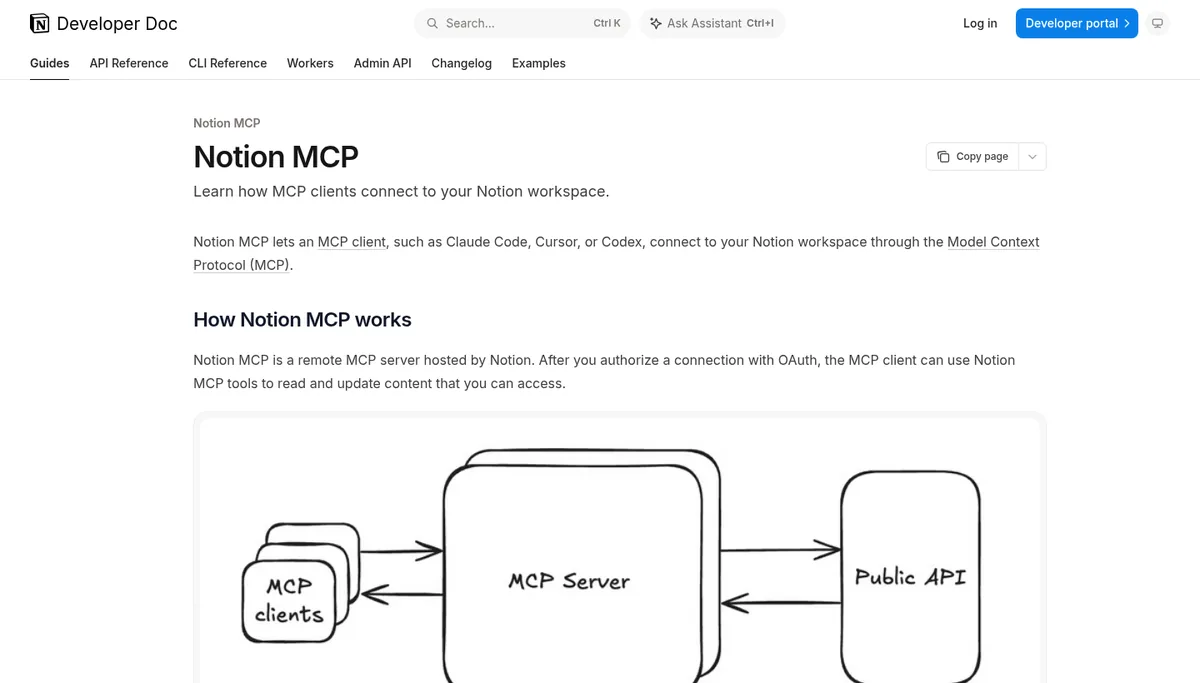
Notion MCP is the right pick when product specs and decisions live in Notion and Claude Code needs them before it writes code. Notion hosts the remote server and signs users in with OAuth, per the Notion MCP overview.
Notion still publishes a local open-source server, but its 24 tools took 74,641 characters of definitions in our test, so the hosted server is the easier choice. Workspace owners can see and revoke MCP connections, and limiting which clients members can connect needs the Enterprise plan.
- Best for: Teams that write PRDs, RFCs, and runbooks in Notion.
- Claude Code setup:
claude mcp add --transport http notion https://mcp.notion.com/mcp - Pricing (October 2026): No separate MCP fee listed; client allow lists need Notion Enterprise.
- Watch out for: Shared pages can carry instructions written by anyone with edit access, so keep write tools behind approval prompts.
9. Figma MCP Server: Best for Turning Designs Into Code
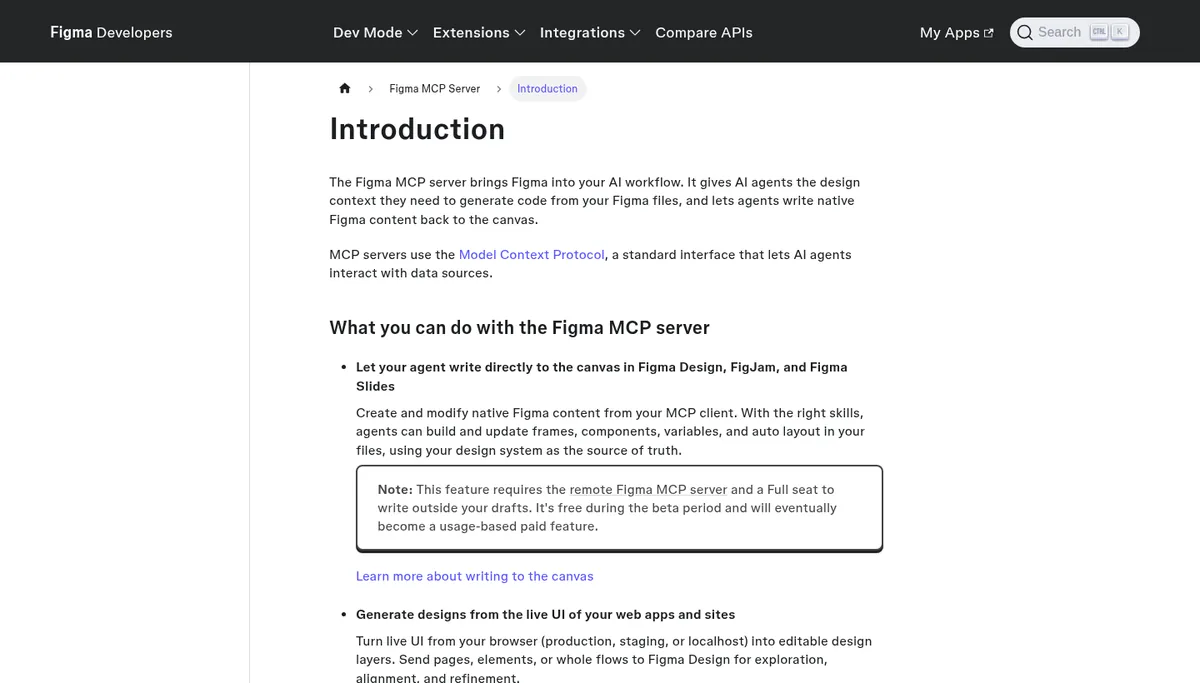
Figma MCP Server gives Claude Code design context such as variables, components, and layout, so generated code matches the file instead of a screenshot guess. Figma recommends the remote server at mcp.figma.com/mcp; the desktop server needs a Dev or Full seat on a paid plan, per the Figma MCP docs.
Seat type sets the limits, per Figma’s rate limits page. View and Collab seats get up to 20 tool calls a month, Professional Dev and Full seats get 200 a day, and Enterprise Dev and Full seats get 600 a day, with per-minute caps of 10 to 20 calls.
- Best for: Front-end teams that build from Figma files with design tokens and components.
- Claude Code setup:
claude mcp add --transport http figma https://mcp.figma.com/mcp - Pricing (October 2026): Needs a paid Dev or Full seat for daily limits; write to canvas is free during its beta.
- Watch out for: A View or Collab seat runs out after 20 calls a month, which a single page build can use up.
10. Supabase MCP Server: Best for Postgres and Backend Work
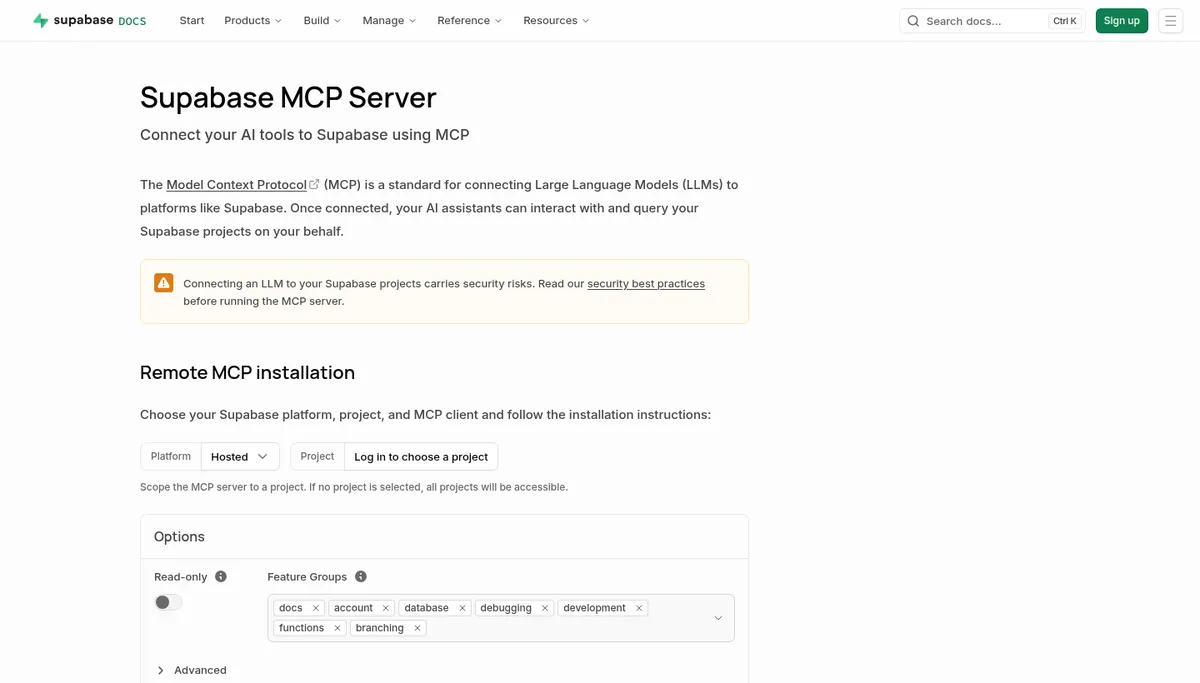
Supabase MCP Server lets Claude Code inspect tables, run SQL, apply migrations, read logs, and deploy Edge Functions on a Supabase project. Its URL takes project_ref to scope one project, read_only=true to run every query as a read-only Postgres user, and features to load only chosen tool groups, per the Supabase MCP docs.
Supabase asks for confirmation when execute_sql or apply_migration detects destructive SQL, and it treats that prompt as a guardrail, since some clients answer it automatically. Its docs advise connecting to a production project only when the task needs production evidence.
- Best for: Teams building on Supabase that want schema-aware migrations and debugging.
- Claude Code setup:
claude mcp add --scope project --transport http supabase "https://mcp.supabase.com/mcp?project_ref=YOUR_REF&read_only=true" - Pricing (October 2026): No separate MCP fee listed; database branching tools need a paid plan.
- Watch out for: Account tools can create and pause projects. Scope with
project_refso they stay off.
11. Vercel MCP: Best for Deploys and Production Logs
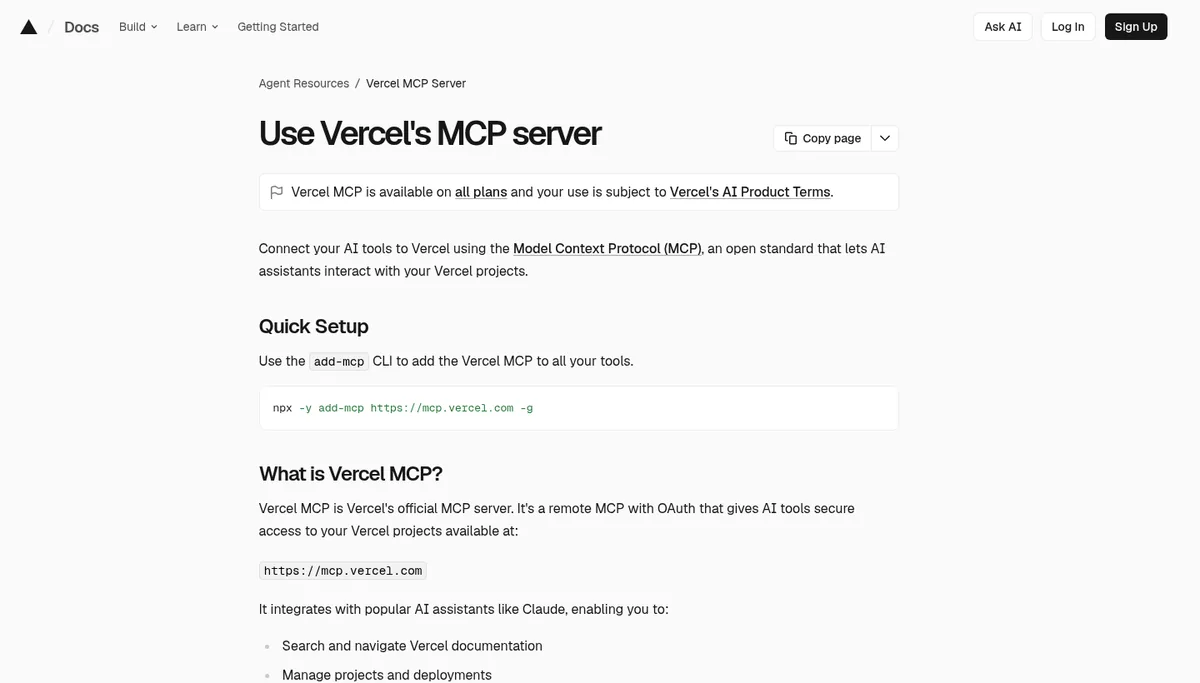
Vercel MCP lets Claude Code search Vercel docs, manage projects and deployments, read deployment logs, and query Web Analytics. It is available on all Vercel plans, and it only accepts AI clients that Vercel has reviewed and approved, a list that includes Claude Code, per the Vercel MCP docs.
The fastest win is a failed build. Claude Code can pull the deployment log, find the error, and fix the code in the same session, without anyone copying logs out of the dashboard.
- Best for: Teams that deploy front ends and functions on Vercel.
- Claude Code setup:
claude mcp add --transport http vercel https://mcp.vercel.com - Pricing (October 2026): Available on all Vercel plans.
- Watch out for: Your team permissions carry over, so an owner’s sign-in gives Claude Code an owner’s reach across team projects.
12. Stripe MCP: Best for Payments Integration Work
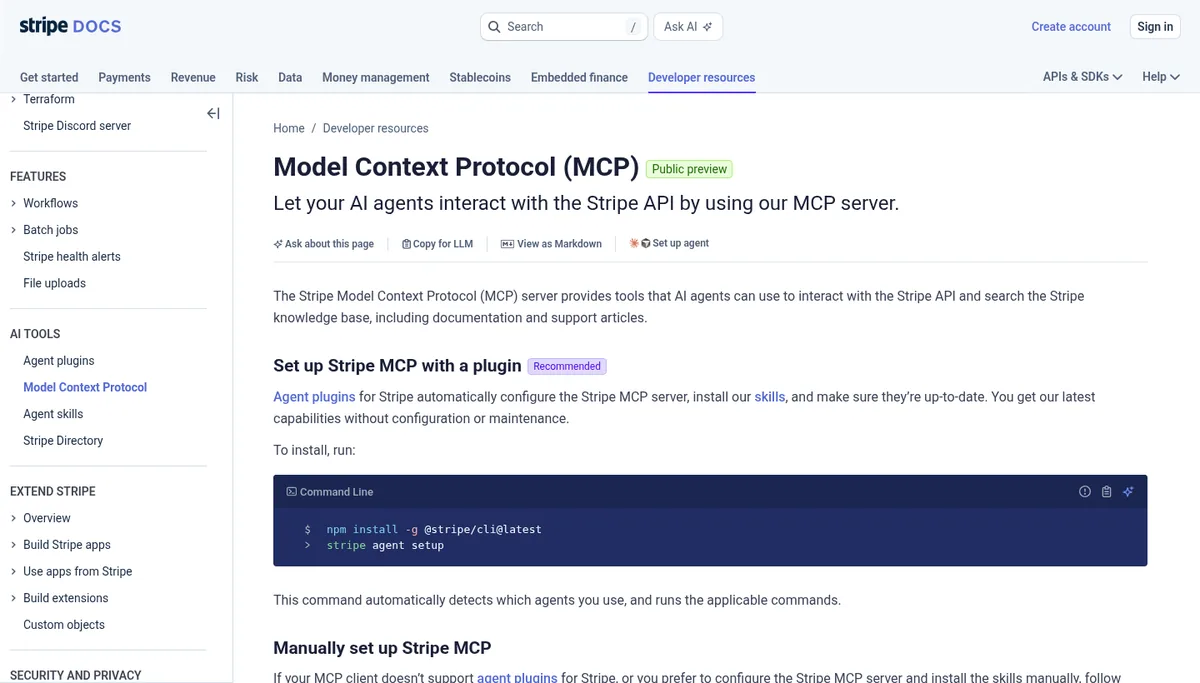
Stripe MCP helps Claude Code build and debug payment flows by searching the Stripe API, reading objects, and running calls in a sandbox. Its remote server at mcp.stripe.com signs in with OAuth or an agent API key, and refunds need a person to confirm, per the Stripe MCP docs.
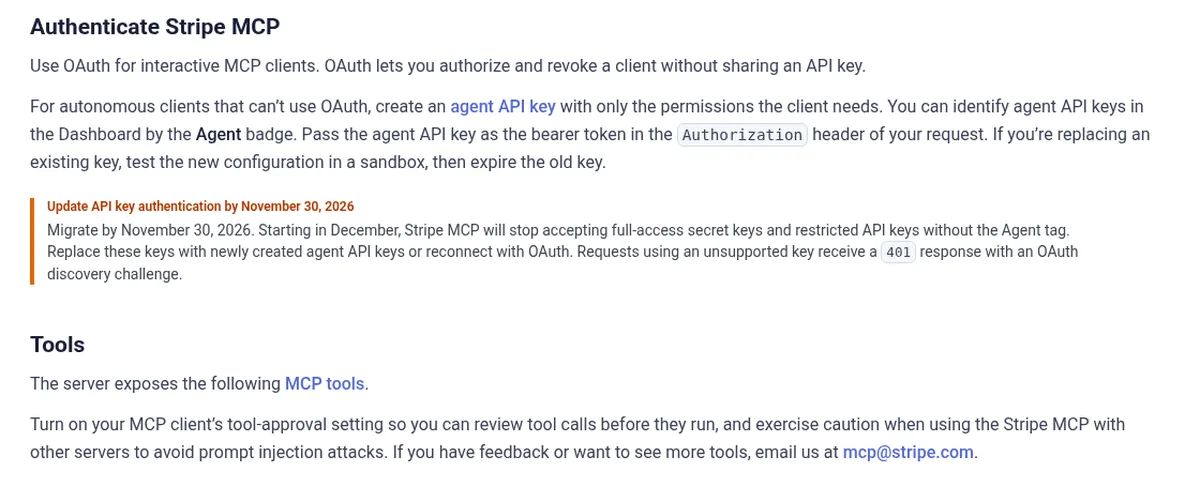
Stripe changed its key rules for MCP this fall. Starting in December, the server stops accepting full-access secret keys and restricted keys without the Agent tag, so migrate to agent API keys or OAuth by November 30, 2026. The older @stripe/mcp npm package now forwards to the remote server and returned a 401 error in our test without a valid key.
- Best for: Developers building checkout, billing, or Connect integrations.
- Claude Code setup:
claude mcp add --transport http stripe https://mcp.stripe.com/ - Pricing (October 2026): No separate MCP fee listed.
- Watch out for: Use a sandbox account for coding sessions; live mode calls touch real money.
How Each Remote Server Signs In to Claude Code
Nine of the 10 remote servers we probed on October 22, 2026 publish OAuth discovery with automatic client registration, so Claude Code opens a browser sign-in on first use. GitHub is the exception and needs a token header, while Context7 answered without any credentials at all.
| Server | Unauthenticated reply | Automatic registration | Client ID metadata documents | OAuth scopes advertised |
|---|---|---|---|---|
| GitHub | 401 | No | No | 10 |
| Context7 | 200, no sign-in needed | Yes | Yes | 2 |
| Sentry | 401 | Yes | Yes | 5 |
| Linear | 401 | Yes | Yes | 2 (1 on read-only) |
| Atlassian v2 | 401 | Yes | Yes | 40 |
| Notion | 401 | Yes | Yes | 1 |
| Figma | 401 | Yes | No | 1 |
| Supabase | 401 | Yes | No | 13 |
| Vercel | 401 | Yes | No | 1 |
| Stripe | 401 | Yes | No | 1 |
Verdict: Prefer OAuth servers with a read-only or project-scoped option, and keep tokens for the rest in environment variables instead of committed files. The scope count is a rough signal of how much an agent could reach after sign-in, so read each consent screen before you approve it.
How to Scope MCP Servers in Claude Code
Claude Code stores each server at one of three scopes, per its MCP docs. Local scope is the default and keeps a server private to you in one project, project scope writes it to a shared .mcp.json file in the repository, and user scope makes it available in every project on your machine.
# Shared with the team: written to .mcp.json in the repo root
claude mcp add --scope project --transport http linear-server https://mcp.linear.app/mcp

# Private to you, every project: written to ~/.claude.json
claude mcp add --scope user --transport http context7 https://mcp.context7.com/mcp

# Check health, then sign in to OAuth servers inside a session with /mcp
claude mcp list
claude mcp get linear-server

# .mcp.json can reference environment variables instead of secrets
{
  "mcpServers": {
    "github": {
      "type": "http",
      "url": "https://api.githubcopilot.com/mcp/",
      "headers": { "Authorization": "Bearer ${GITHUB_PAT}" }
    }
  }
}
Claude Code asks each person to approve project servers from .mcp.json before it uses them, and a cloned repository cannot approve its own servers. Run claude mcp reset-project-choices if you approved something by mistake.
When a CLI or Skill Beats an MCP Server
A CLI is often the better choice in Claude Code when the vendor already ships one, because shell commands load no tool schema. Playwright’s README now says so for coding agents, and simple GitHub lookups work fine through gh. MCP wins for OAuth to hosted products, long stateful sessions, and clients without a shell.
- Use a CLI: scripted browser checks, one-off GitHub queries, and deploy commands you already run by hand.
- Use MCP: hosted products with no CLI, such as Linear, Notion, and Figma, and any flow that needs per-user OAuth.
- Use a gateway: when many developers share servers, route them through one of the MCP gateways we compared for central sign-in and logs.
MCP Servers We Left Off
We left off several popular servers because they fit other jobs better, overlap with a pick above, or repeat tools Claude Code already has. Each one is still worth a look if your stack depends on it, and most of them make more sense in a team setup than in one developer’s terminal.
- Serena: semantic code navigation for large repositories, but Claude Code already reads and searches code well on its own.
- Slack: useful for reading team threads, and better suited to chat assistants than coding sessions; our enterprise MCP servers guide covers it.
- Cloudflare and AWS: strong for teams on those clouds, and best judged alongside where you host your own servers.
- Docker MCP Toolkit: a catalog and runtime for many servers, compared in Kong vs AWS AgentCore vs Docker.
- Filesystem and Git reference servers: Claude Code already has file and shell tools, so these add little.
Which MCP Servers Should You Install for Claude Code?
Pick by the work you do most in Claude Code instead of chasing the longest list. Match your setup to one profile below, add the servers it names, and remove any server your team has not called in two weeks. Start small, since each extra server adds sign-in steps and review work.
You build front ends
- Add Figma for design context and Playwright or Chrome DevTools for checking the result in a browser.
- Add Vercel if you deploy there, so build failures come back into the session.
- Pair this with the AI agent testing tools you already use for regression checks.
You build a backend on Supabase or Stripe
- Add Supabase at project scope with
read_only=truefor daily work. - Add Stripe against a sandbox account, with an agent API key or OAuth.
- Add Sentry so fixes start from real production errors.
Your team runs on Jira and Confluence
- Add the Atlassian Rovo MCP Server on the v2 URL and watch Rovo credit use for the first month.
- Add GitHub with a fine-grained token, or keep Bitbucket inside the Atlassian server.
- Put shared servers behind a gateway; our MCP gateway pricing guide lists what each one costs.
You work solo and want low overhead
- Start with Context7 and GitHub only.
- Use the Playwright CLI instead of the MCP server for browser checks.
- Add one server at a time and run
claude mcp listafter each one.
Frequently Asked Questions
What are the best MCP servers for Claude Code?
GitHub, Context7, and Playwright are the best starting set for most developers. Add Chrome DevTools for performance work, Sentry for production errors, Linear, Atlassian, or Notion for tickets and specs, and Figma, Supabase, Vercel, or Stripe when your project uses those products. Keep three to five servers per project.
How do I add an MCP server to Claude Code?
Run claude mcp add with a name and the server’s URL or command, for example claude mcp add with the http transport and the Linear URL. Add a scope flag for project or user scope. Then run claude mcp list to check health, and type /mcp inside a session to sign in to OAuth servers.
How many MCP servers can Claude Code use at once?
Claude Code sets no fixed per-server tool cap, and tool search defers tool definitions by default, so many servers can stay connected. Each server still adds sign-in steps, result size, and prompt injection risk. In practice, three to five servers per project keeps sessions fast and easy to review.
Do MCP servers use up Claude Code’s context window?
Yes, through tool definitions and results. With tool search on, only tool names load at the start, so results matter more. Claude Code warns above 10,000 tokens, caps output at 25,000 tokens by default, and saves text results over 50,000 characters to a file. Browser snapshots hit these limits most often.
Are MCP servers safe to use with Claude Code?
They are as safe as the access you grant. Use read-only endpoints or modes where they exist, scope Supabase and Sentry to one project, keep tokens in environment variables, and approve project servers deliberately. Treat issues, pages, and docs that servers return as untrusted text, since they can carry injected instructions.
Related Guides
For related coverage, see our MCP hosting platforms, MCP registries, CRM MCP servers and Zapier MCP alternatives.
Read the enterprise MCP servers guide, MCP explainer, MCP gateways, MCP security tools, MintMCP vs Runlayer vs Lasso, agent integration platforms, Composio alternatives, Red Hat MCP gateway news, FastMCP client RCE advisories, ToFu MCP tool bug study, Claude Managed Agents coverage, and AI agent frameworks. Our disclosure page explains how we fund testing.
The Bottom Line
Connect GitHub, Context7, and one browser server first, then add one vendor server for each system your team already works in. Prefer OAuth servers with read-only or project scoping, cap browser snapshots, and run claude mcp list after every change. Stripe users should move to agent API keys or OAuth before November 30, 2026.
MCP servers ship new tools every few weeks, so we will rerun these tests as versions change. Send corrections or your own results through our contact page.